




.jpg)
.jpg)
Attribution
Motion
MOTION
Motion Guidelines
To achieve dynamic branding effects, download the following animated design elements.
US Motion Toolkit & Templates
EMEA Motion Toolkit & Templates
Motion Toolkit
Features & Terms
Frame Rates
- US - 23.98fps, 29.97fps
- EMEA - 25fps
Aspect Ratios
- US - 16:9 (HD, UHD), 9:16, 4:5, 2:3, 1:1
- EMEA - 16:9 (HD), Ultra Wide, 9:16, 4:5, 2:3, 1:1
After Effects Versions
- US - AE25
- EMEA - AE23, 24, 25
Quick Start Guide
The Quick Start Guide (shown here and in the AEP) provides an overview of the four key features that power the HBO Max Promo Toolkit.
Safe Areas
All 16:9 and 9:16 comps with top-, center-, and bottom-aligned graphics have the option within Essential Graphics/Properties to automatically reposition assets to fit into commonly used safe areas, including Amazon, Apple, Vizio, and Samsung Masthead.
.jpg)
A
Default: SMPTE
.jpg)
B
Amazon rotator
.jpg)
C
Apple
.jpg)
D
Vizio
.jpg)
E
Samsung masthead
.jpg)
A
HBO Max paid
.jpg)
B
HBO Max organic
.jpg)
C
Apple
Letterboxing
All 16:9 comps with top- and bottom-aligned graphics in Essential Graphics/Properties can automatically reposition assets to fit common aspect ratios.
.jpg)
A
Aspect ratios 185, 190, 200
.jpg)
B
Aspect ratios 220, 235
.jpg)
C
Aspect ratios 239, 240, 255
Social UI
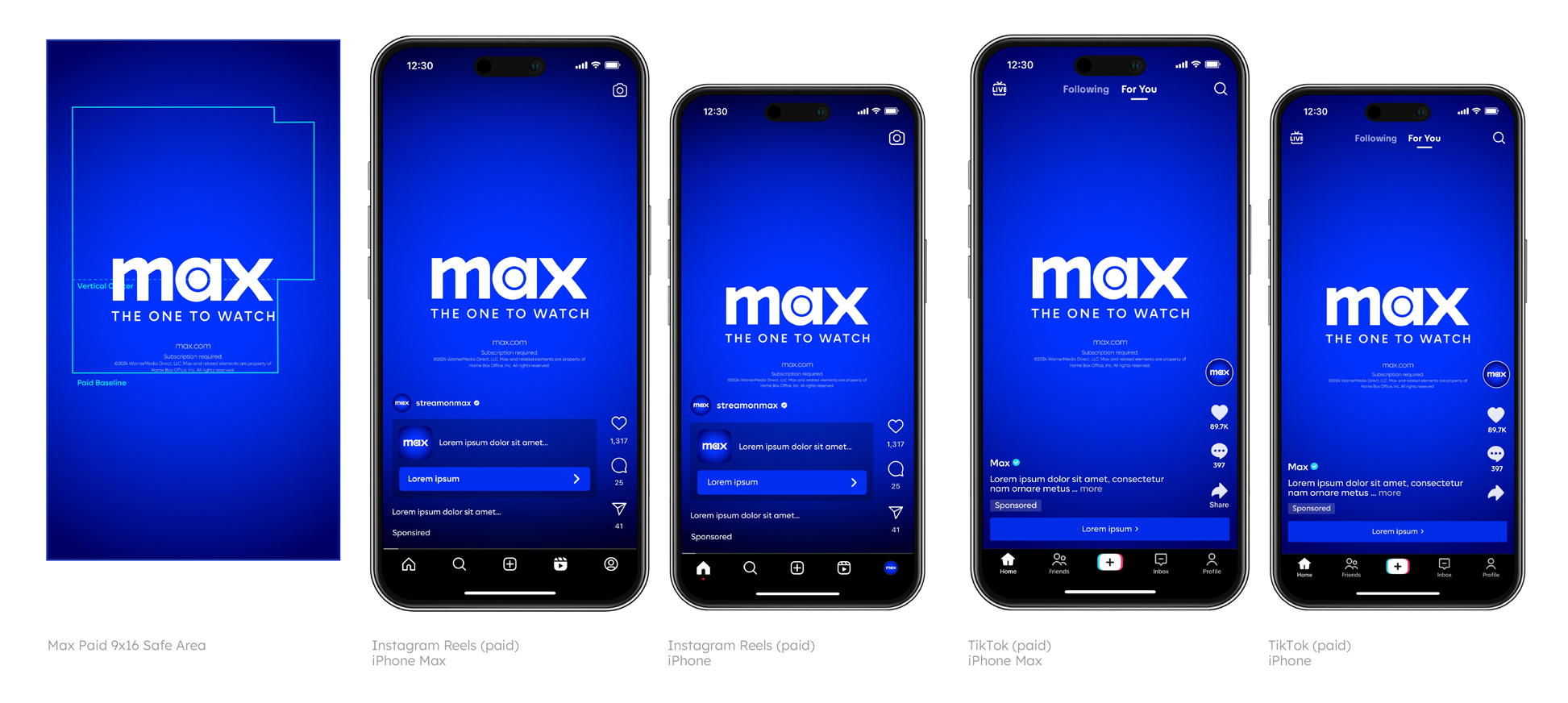
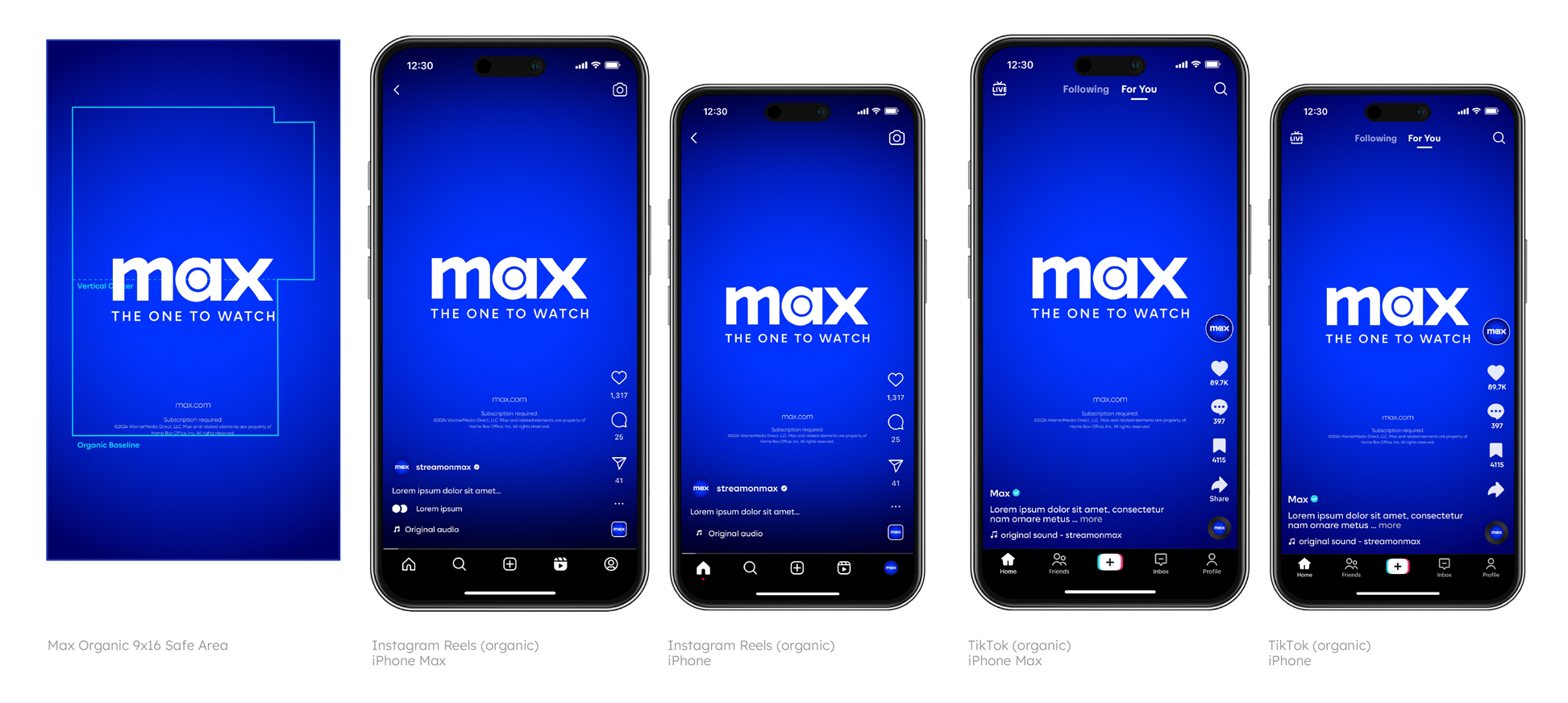
For 9:16 TikTok, Instagram, and Facebook, we recommend using the HBO Max paid and organic guides instead of the platform-specific guides. Graphics may appear differently depending on the platform UI and the model of the phone.
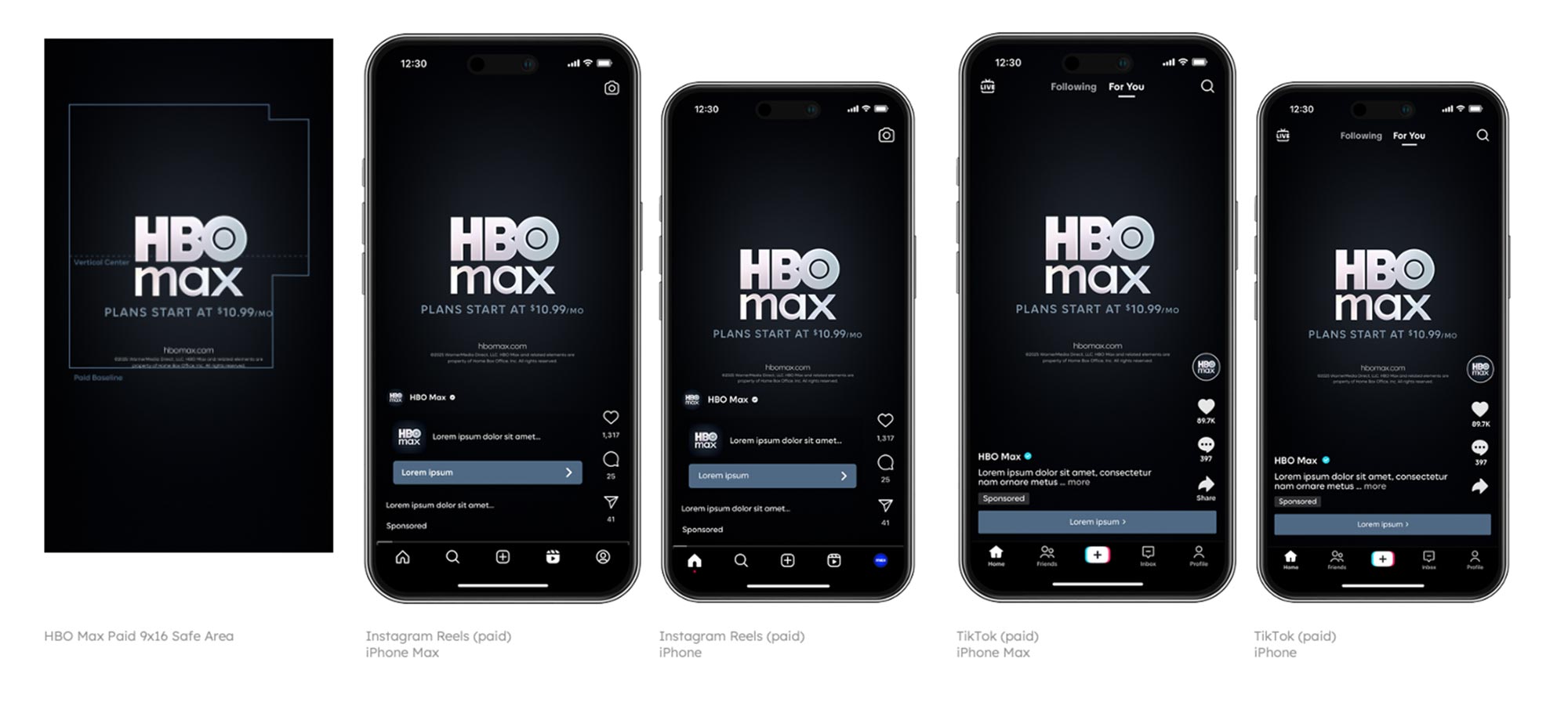
Paid
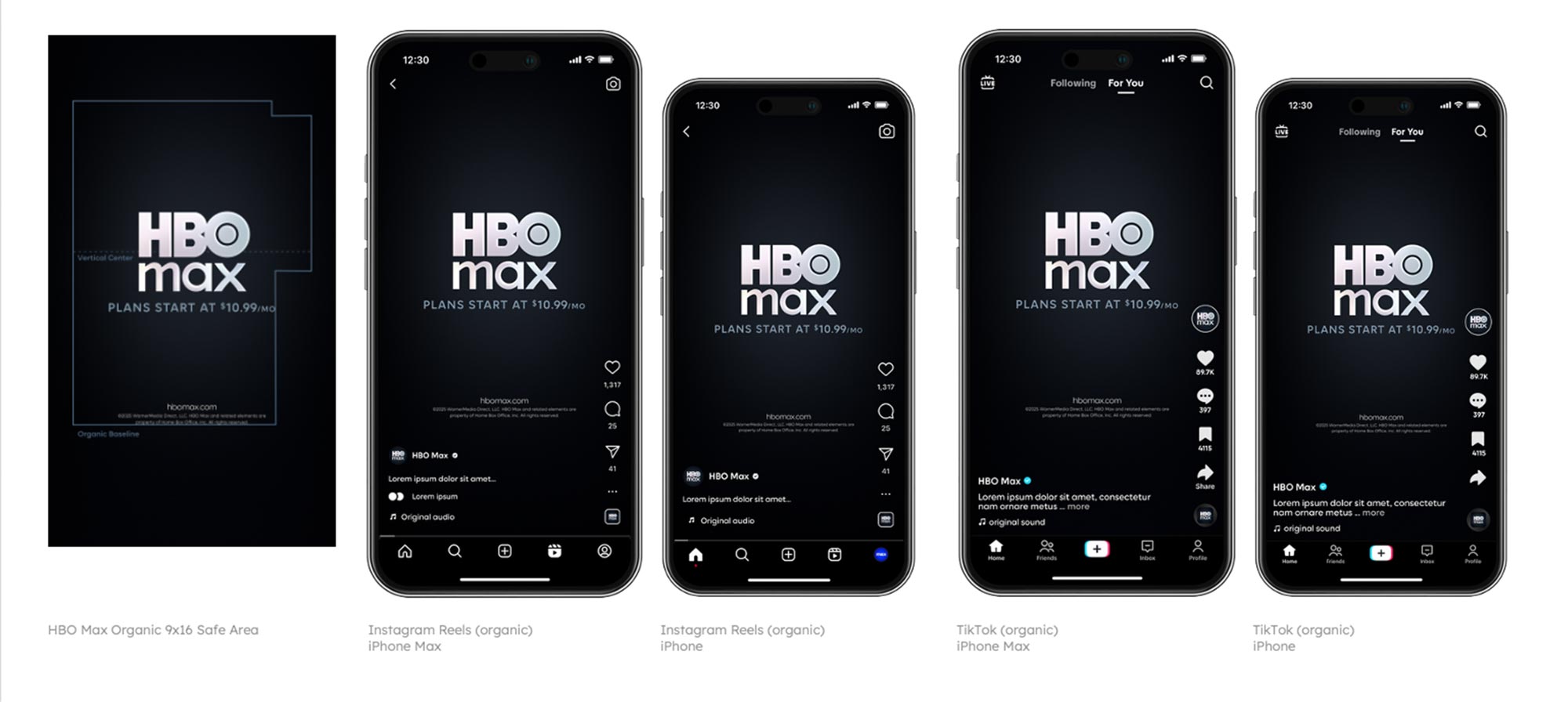
Organic
9:16 Footage Framing
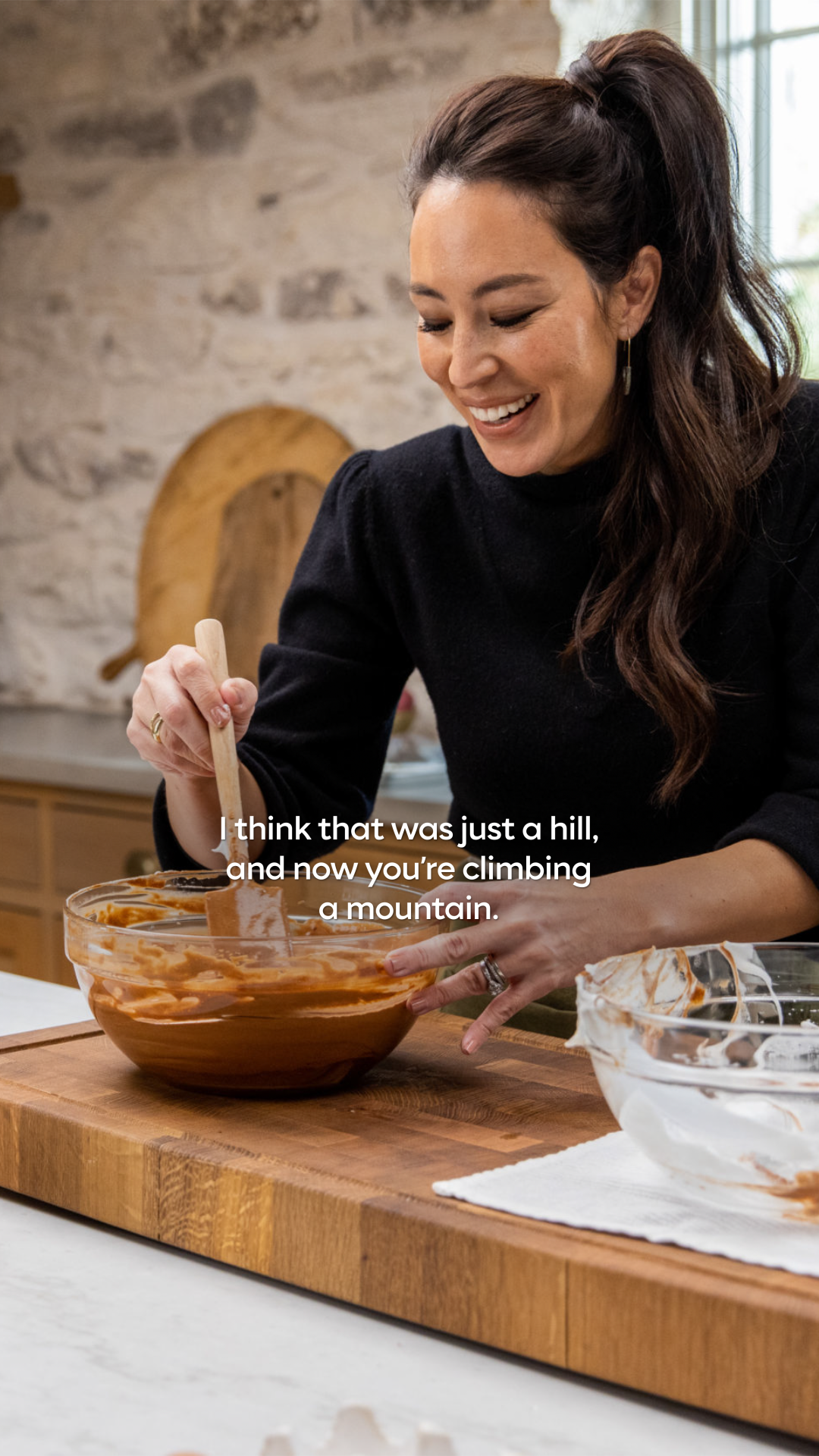
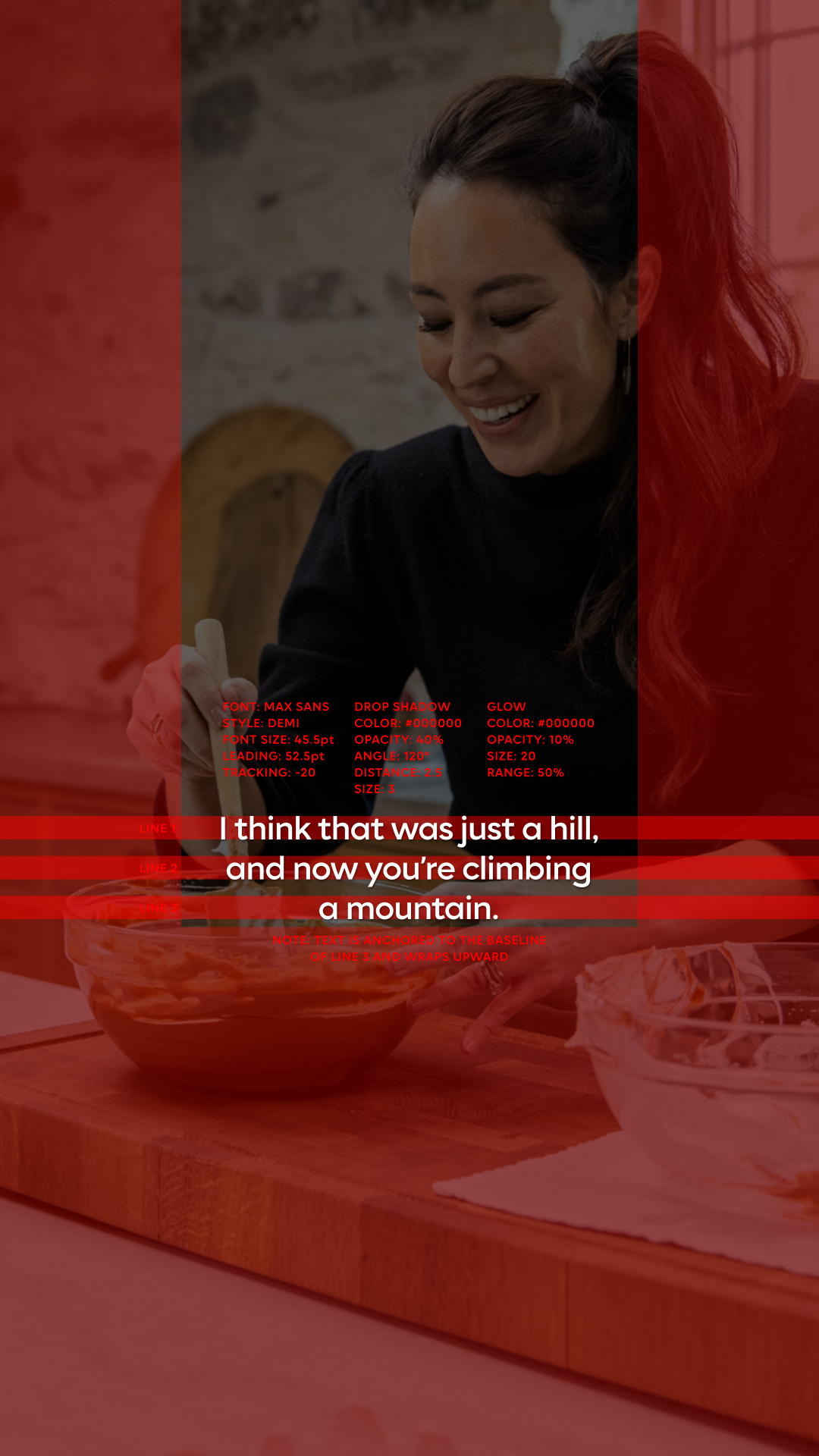
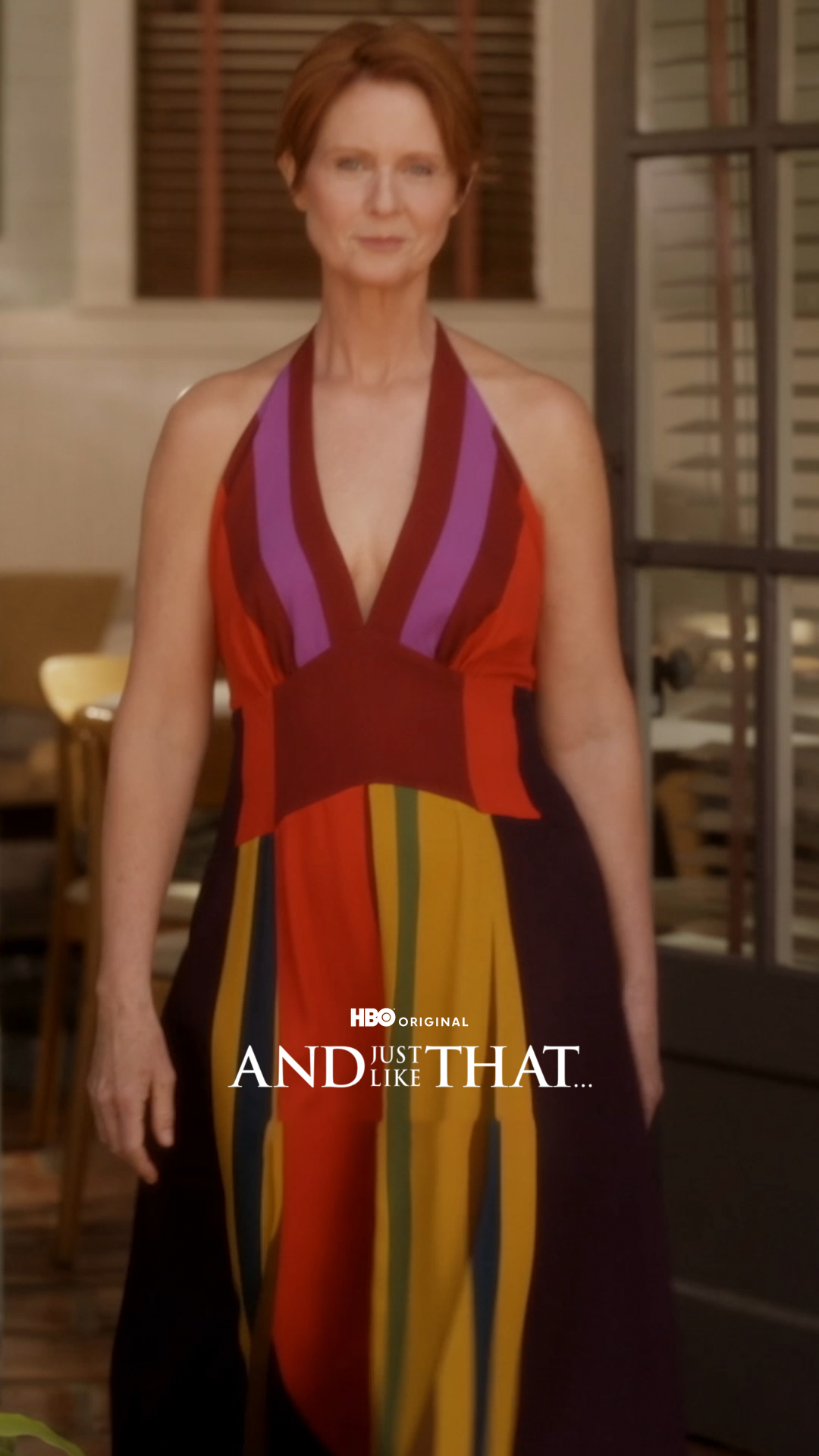
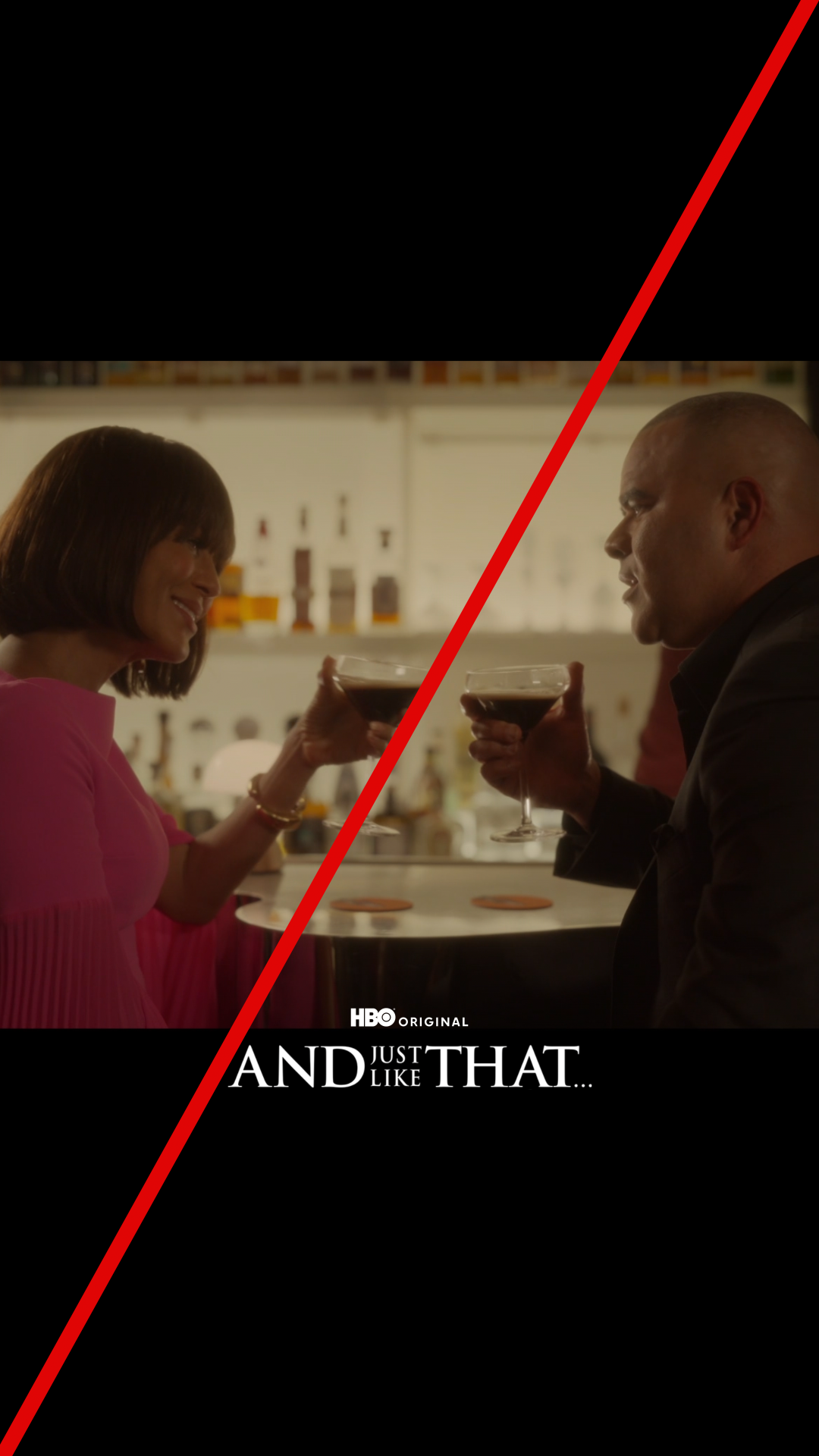
9:16 aspect ratio can present challenges when framing footage. The preferred format is full frame [A]. However, footage can be tiled [B] to preserve the intended meaning and context, and to prevent subjects from overlapping with graphics. When using tiled shots, they should be cut within a full-frame edit. Avoid using letterboxing [C] in the 9:16 aspect ratio.
A
Full frame
.jpg)
B
Tiled
C
Do not letterbox
Intros
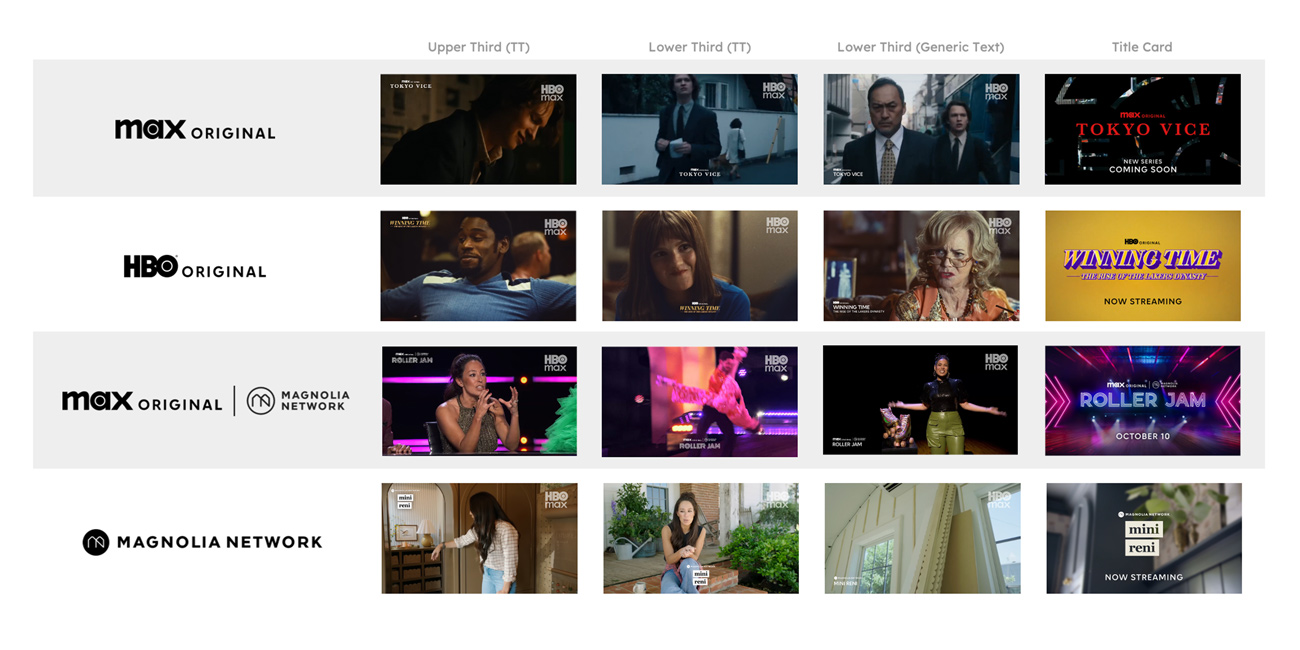
Glass
Glass intros are used for single-title, multi-title, theatrical, and brand promos.
Minimum Durations
In general, 2s is recommended.
- Logo (in focus): 1s
- Transition: 1s
A
Single- and multi-title, theatrical & brand: iridescent
Color & Texture
- For multi-title and brand promos, use the iridescent HBO Max logo [A].
- For single-title and theatrical promos, logo color and texture correspond to the campaign medal tier:
- Gold, Silver and Bronze: iridescent HBO Max logo.
- Diamond and Platinum: Can apply a color [B] or tint or texture [C] to the HBO Max logo or use the iridescent logo.
B
Single-title & theatrical: campaign color
C
Single-title & theatrical: campaign texture
Preferred Placement
- General, growth marketing, and lower funnel: opening shot
- Custom paid social: cold open with intro within the first 4s
Usage
- Choose a single shot that works for the whole sequence.
- Avoid using multiple cuts and footage with faces or text behind the logo.
- In general, intros are not recommended for promos 15s and under.
- Growth marketing, lower funnel, and custom paid: Intros are not recommended for promos 10s and under.
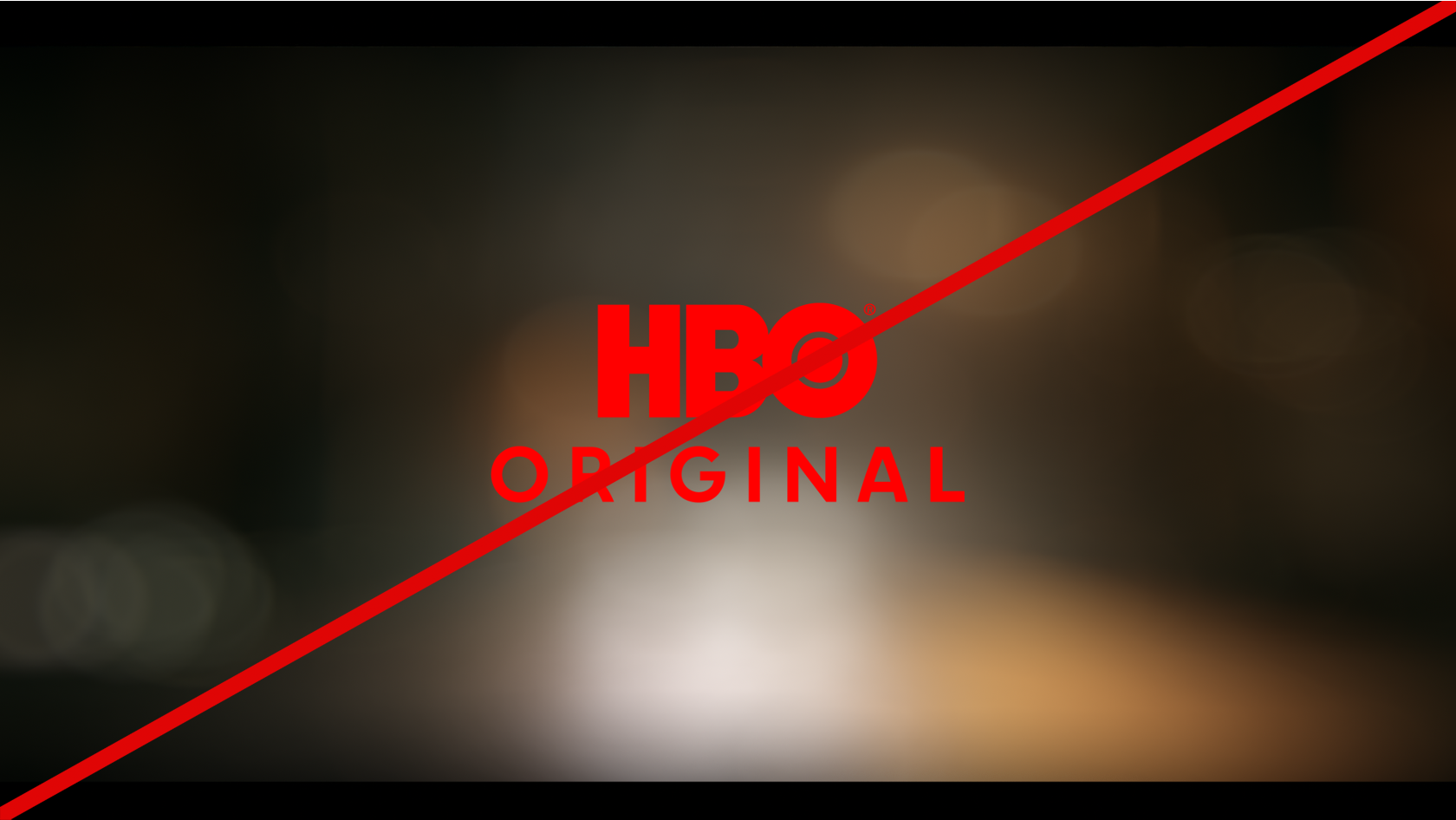
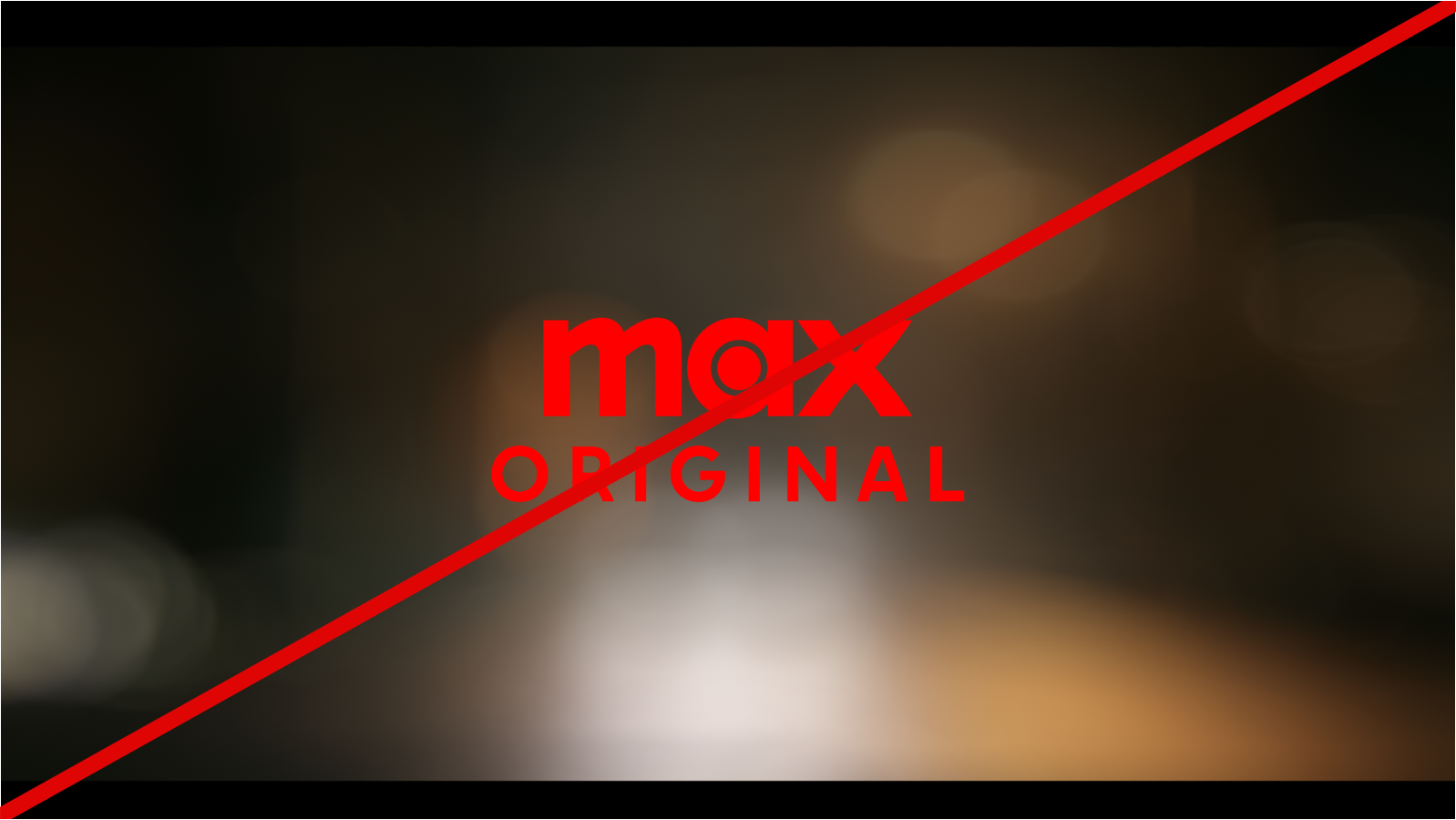
Partnership
Minimum Durations
In general, 2s is recommended.
- Logo (in focus): 1s
- Transition: 1s
https://vimeo.com/1233026959/94fa38d6e1?ts=0&share=copy
A
Partnership promo
Color
- Use the pure white HBO Max logo.
- Partner logo:
- Scale proportionally to the HBO Max logo.
- White mono-color is preferred.
Preferred Placement
- General, growth marketing, and lower funnel: opening shot
- Custom paid social: cold open with intro within the first 4s
Usage
- Choose a single shot that works for the whole sequence. Avoid using multiple cuts.
- Avoid using multiple cuts and footage with faces or text behind the logo.
Outros
Standard
Minimum Durations
- 2s: promos 11s-19s
- 3s: promos 20s and over
- Custom message: variable. If longer than the standard messaging options, consider extending the duration to allow adequate time for reading.
Messaging
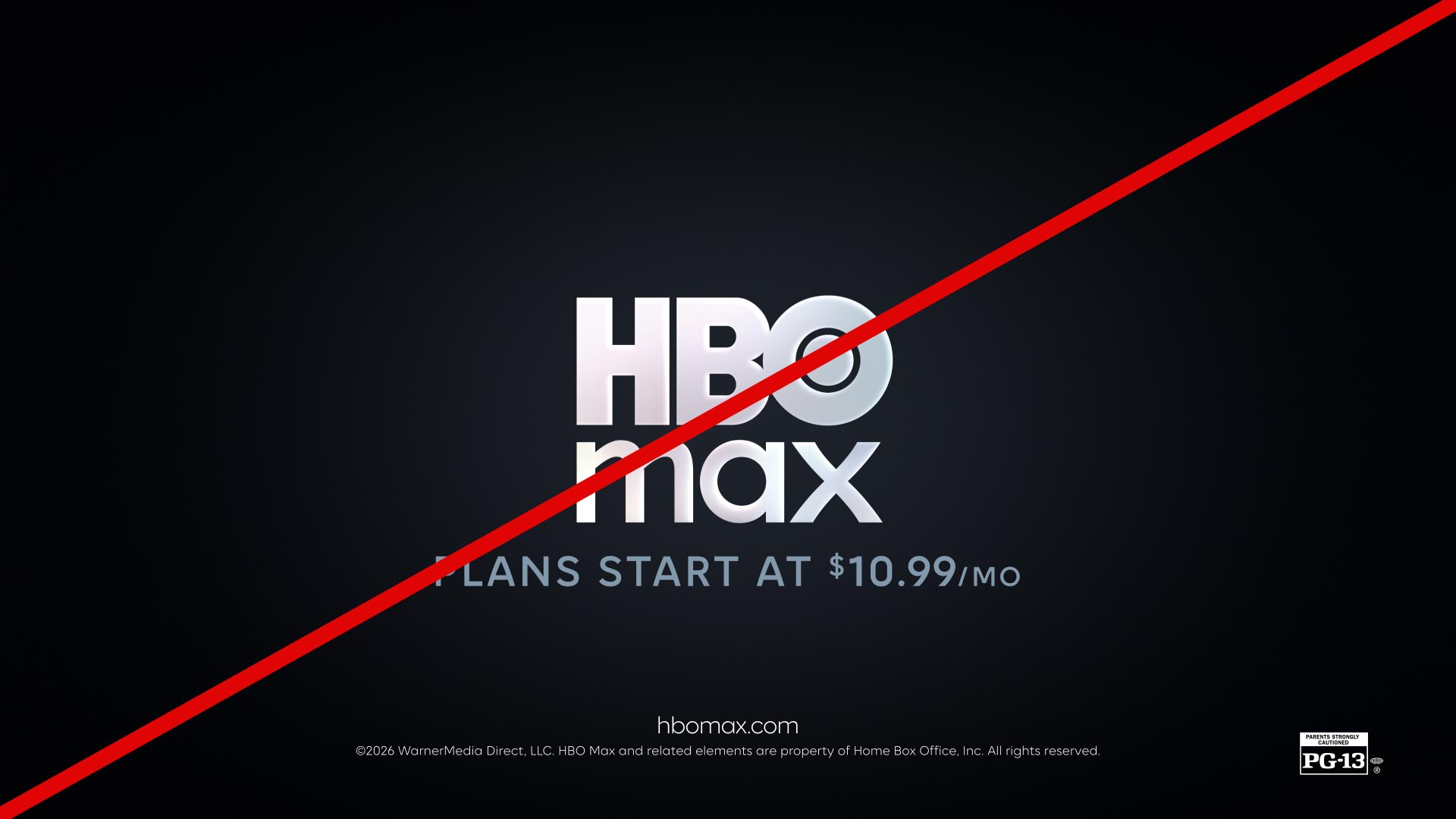
- Pricing text: “PLANS START AT $10.99/MO” [A, B, C]
- Additional CTA: Can be added for growth marketing assets [B]
- Custom message: Requires approval from the HBO Max Brand team. Contact: HBOMax_Brand_Team@wbd.com
https://vimeo.com/1167798799/508fe9269c?ts=0&share=copy
A
Pricing text
https://vimeo.com/1167798814/37e6805425?ts=0&share=copy
B
Pricing & growth marketing CTA
Color
- For multi-title and brand promos, use the iridescent HBO Max logo and white text.
- For single-title and theatrical promos, use of logo and text color corresponds to the campaign medal tier:
- Silver and Bronze: iridescent HBO Max logo and white text.
- Gold: Can apply a tint [C] to the HBO Max logo, and a color to the text.
- Diamond and Platinum: Can apply a color, tint, or texture to the HBO Max logo, and a color or texture to the text. See Custom Outro for more details.
https://vimeo.com/1167798832/5cd35d3338?ts=0&share=copy
C
Standard outro with tint
Usage
- Outros are not recommended for promos 10s and under. Instead, use an upper third.
- Outros use a hard cut; do not add a transition or fade.
Partnership
Minimum Durations
- 2s: promos 11s-19s
- 3s: promos 20s and over
- Custom message: variable. If longer than the standard messaging options, consider extending the duration to allow adequate time for reading.
Messaging
- Partnership line: the text above the partner logo [A].
- Line 1: Displays the pricing info.
- Line 2: Contains the growth marketing CTA.
- Line 3 (additional CTA): When enabled, it moves the HBO Max logo up along with lines 1 and 2.
https://vimeo.com/1167800592/74097f686c?ts=0&share=copy
A
Partnership line enabled
Color
- For partnership promos, use the iridescent HBO Max logo.
- Partner logo:
- Scale proportionally to the HBO Max logo.
- White mono-color is preferred.
Usage
- Outros are not recommended for promos 10s and under. Instead, use an upper third.
- CTA lines can be repositioned to create a desired hierarchy.
- All messaging, URLs, disclaimers, and legal lines can be customized.
Amazon
Minimum Durations
- 2s: promos 11s-19s
- 3s: promos 20s and over
- Custom message: variable. If longer than the standard messaging options, consider extending the duration to allow adequate time for reading.
Messaging
- Line 1: Displays the plans and pricing info.
- Line 2: Contains the growth marketing CTA.
- Line 3 (additional CTA): When enabled, it moves the HBO Max logo, along with lines 1 and 2, up.
https://vimeo.com/1167802534/d5d62835a4?ts=0&share=copy
Usage
- Outros are not recommended for promos 10s and under. Instead, use an upper third.
- CTA lines can be repositioned to create a desired hierarchy.
- All messaging, URLs, disclaimers, and legal lines can be customized.
YouTube
Duration
- 10s
Aspect Ratio
- 16:9 HD and UHD
Options
- Subscribe and link avatars [A, B]
- Subscribe avatar
Messaging
- The CTA below the subscribe avatar relates to the YouTube channel.
- The CTA on the link avatar relates to the product.
- There should be no other messaging on the YouTube outro.
https://vimeo.com/1167803408/6dda54b4fd?ts=0&share=copy
A
Subscribe & link avatars: render
https://vimeo.com/1167803448/018a20a0e5?ts=0&share=copy
B
Subscribe & link avatars: dynamic elements
Dynamic Elements
The following elements are added dynamically in YouTube:
- Subscribe avatar
- Link avatar
- Video thumbnails
Custom
A custom title card and outro sequence can be used on Platinum and Diamond campaigns and brand spots. Brand spots use only the outro section of the sequence.
Durations
- Title card and outro sequence: Typically delivered as a 10s render (5s for the title card and 5s for the outro), unless a longer title card has been requested.
- Outro-only sequence: Typically delivered as a 5s render.
https://vimeo.com/1167805814/baaad32d0b?ts=0&share=copy
https://vimeo.com/1167805837/c606d8d33f?ts=0&share=copy
https://vimeo.com/1167805862/b6621ef004?ts=0&share=copy
https://vimeo.com/1167805778/cfca95fd91?ts=0&share=copy
Color & Texture
- For multi-title and brand promos, use the iridescent HBO Max logo and white text.
- For single-title and theatrical promos, can apply a custom tint, color, or texture to the HBO Max, or use the iridescent logo.
Messaging
- Pricing text: “PLANS START AT $10.99/MO”
- Additional CTA: Can be added for growth marketing assets.
- Custom message: Requires approval from the HBO Max Brand team. Please contact HBOMax_Brand_Team@wbd.com
Title Cards
After Effects Workflow
Allows for the title card to be created entirely in After Effects using the static title treatment.
Standard Durations
- 2s: promos 11s-19s
- 3s: promos 20s and over
https://player.vimeo.com/video/1217031164?h=d4071cad3a&autoplay=1
Options
- Title treatment is preferred.
- Generic text: Only use if title treatment is not available.
Color
- For title treatment, use full color (preferred) or mono-color.
- For attribution and tune-in, use of color and texture corresponds to the campaign medal tier:
- Silver, Bronze, and Gold: Can apply the same color as the title treatment.
- Diamond and Platinum: Can apply the same color or texture as the title treatment.
Tune-In
Copy will depend on flighting and show rollout. Examples:
- Date (SEPTEMBER 25)
- Day and time (TUESDAY 8PM ET)
- Weekly: day and time (TUESDAYS 8PM ET)
- Post-launch (NOW STREAMING)
- Genre indicator (NEW EPISODES)
An HBO Max logo can also be enabled across all aspect ratios.
Usage
- Title card: Animates in and out to create a visual transition with the outro. Disable “animate out” when using the title card as a stand-alone graphic in the body of a promo.
- Footage/image/graphic: Ensure the title treatment and messaging remain legible. Do not cover any key features (faces, etc.).
- Attribution: This toolkit will add the attribution. Use the version of the title treatment without the attribution baked-in. Exception: DC Studios. See Attribution section.
- Generic text: Use all caps.
Avid Workflow
Allows for the attribution to be added to an existing title treatment animation in After Effects before having the tune-in added in Avid.
Standard Durations
- 2s: promos 11s-19s
- 3s: promos 20s and over
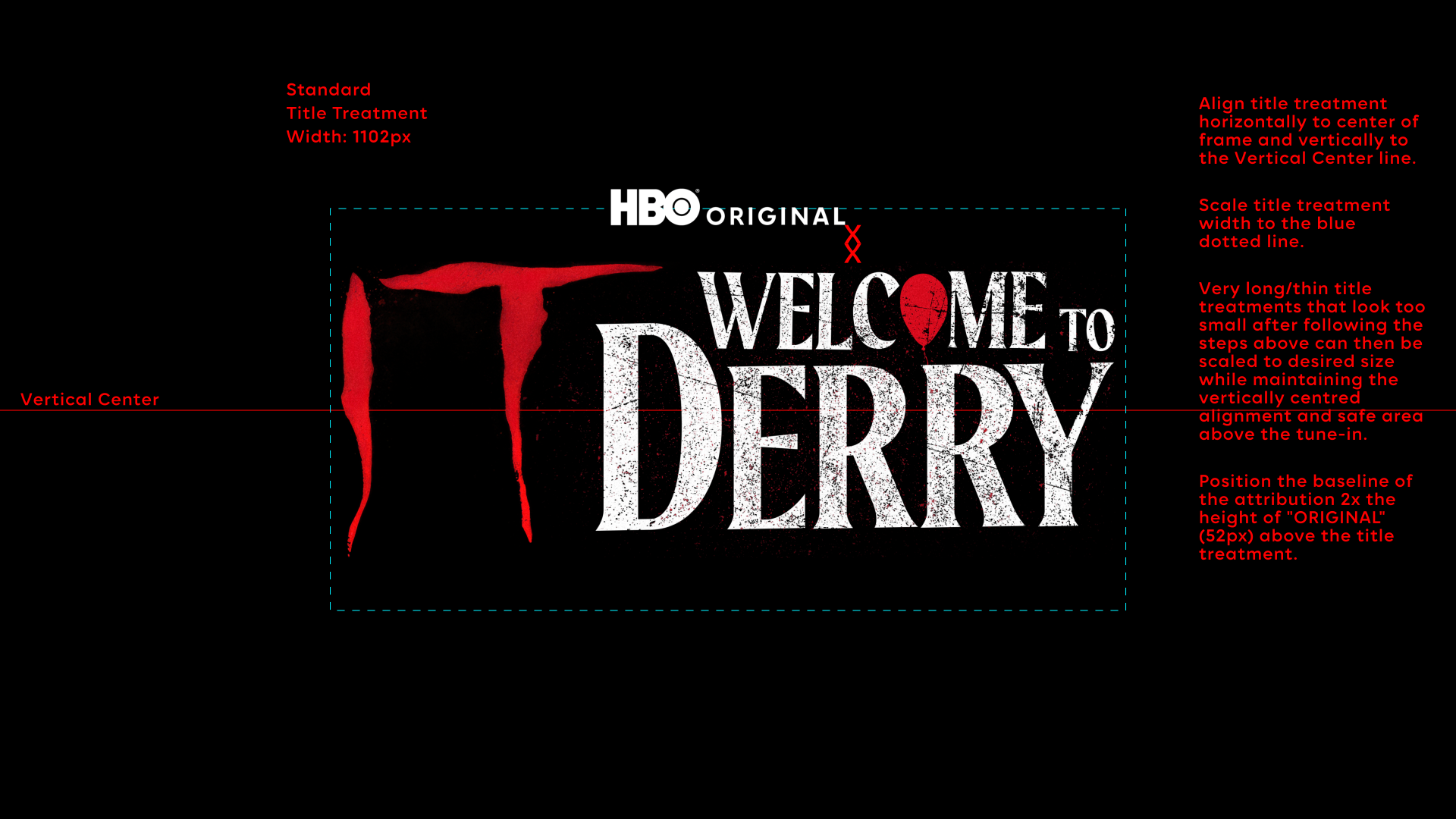
A
Position attribution
https://player.vimeo.com/video/1217035718?h=66c02c04b8&autoplay=1
B
Animate attribution with title treatment
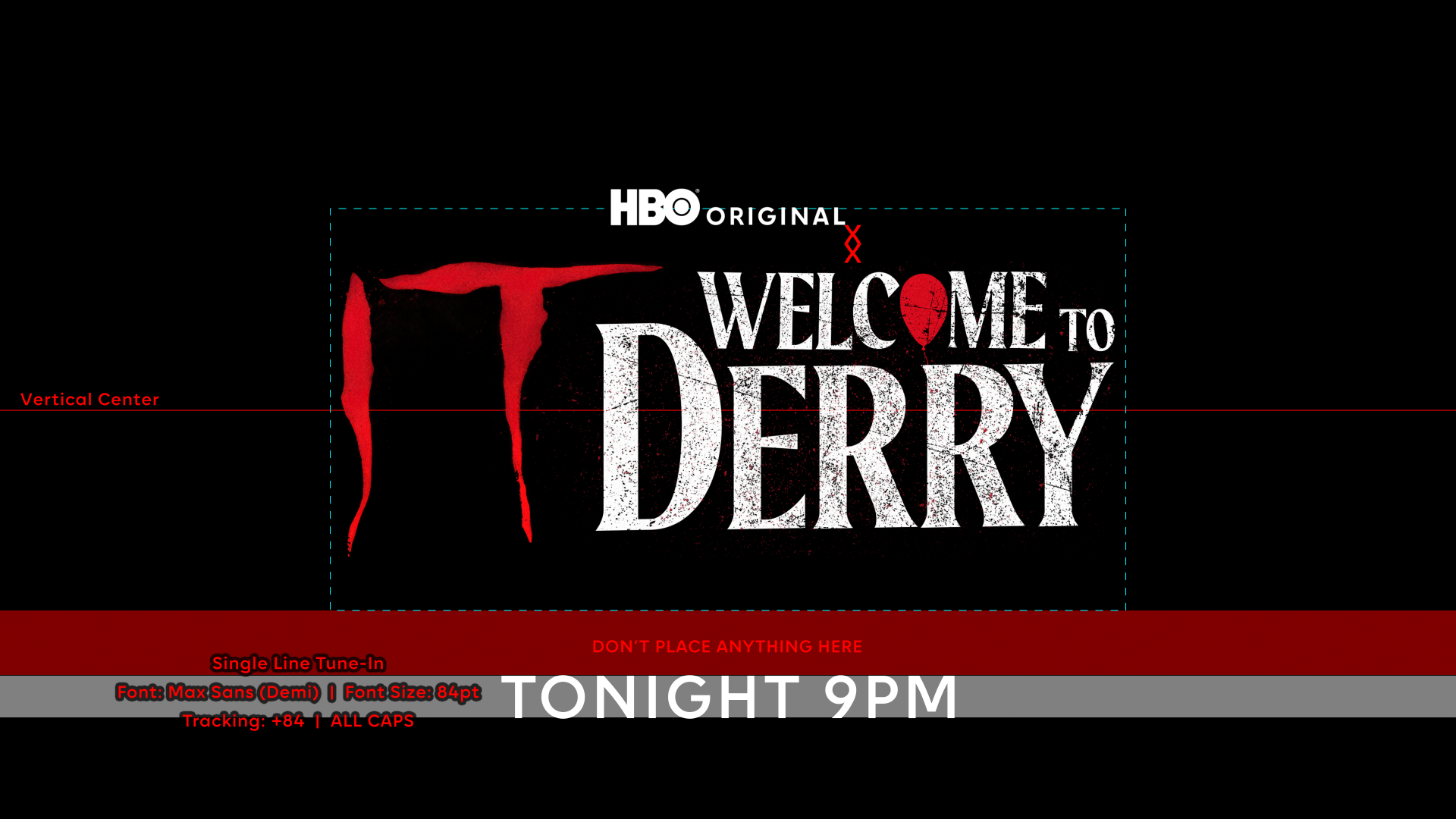
C
Add tune-in
https://player.vimeo.com/video/1217035719?h=c9e3bb3ce0&autoplay=1
D
Title card
Step 1: Add Attribution in After effects
- Position the attribution above the fully resolved title treatment using the separate Avid workflow title card AEP [A].
- Attribution can fade, cut, or mask on, and can animate with the title treatment [B].
- Spacing and proportional scale of the title treatment and attribution should remain consistent throughout the animation [A].
Step 2: Add Tune-In In Avid
- Add the tune-in over the custom title treatment animation using the guides provided [C].
- Tune-in is static but can fade or cut on [D].
- Tune-in position and scale should not be altered.
- Copy will depend on flighting and show rollout.
Examples:
- Date (SEPTEMBER 25)
- Day and time (TUESDAY 8PM ET)
- Weekly: day and time (TUESDAYS 8PM ET)
- Post-launch (NOW STREAMING)
- Genre indicator (NEW EPISODES)
An HBO Max logo can also be enabled across all aspect ratios.
Color
- For title treatment, use full color (preferred) or mono-color.
- For attribution and tune-in, use of color and texture corresponds to the campaign medal tier:
- Silver, Bronze and Gold: Can apply the same color as the title treatment.
- Diamond and Platinum: Can apply the same color or texture as the title treatment.
Social Forward
Social-forward title cards optimize messaging for smaller screens and are designed as a stand-alone asset, without an outro.
Duration
- Delivered as 10s
Color
- For title treatment, use full color (preferred) or mono-color.
- For attribution and tune-in, use of color and texture corresponds to the campaign medal tier:
- Silver, Bronze, and Gold: Can apply the same color as the title treatment.
- Diamond and Platinum: Can apply same color or texture as the title treatment.
Usage
- Promos featuring a social-forward title card should not include an outro.
- Title treatment: Use the toolkit provided. If needed, the treatment can be scaled slightly larger to maintain a clear hierarchy. Note: it is not vertically centered.
Internal Title Cards
Standard
Internal title cards are a more prominent alternative to lower thirds.
Minimum Duration
- 1s
Color
- For the title treatment, use mono-color (preferred) or full color.
- For the attribution and tune-in, use white (preferred) or black. Any exceptions will require approval from the HBO Max Brand team. Contact hbomax_brand_team@wbd.com
https://vimeo.com/1162331528/0dfac3f69d?share=copy
Usage
- Use of the title treatment is preferred. If this is not possible, use generic text instead.
- Footage: Ensure the title treatment and messaging remain legible. Do not cover any key features (faces, etc.).
- Attribution: This toolkit will add the attribution. Use the version of the title treatment without the attribution built-in. Exception: DC Studios. See Attribution section.
- Title treatment: Should be approximately 30% smaller on an internal title card than on a standard title card.
Transition
A 3-shot graphic transition can be added to an internal card title.
Minimum Duration
- 3s
Shot Duration
- Shot 1: 1s minimum (no edits)
- Shot 2 and 3: static
- Shot 4 (resolve with title treatment): 2s minimum (no edits)
Color
- Title treatment: mono-color (preferred) or full color
- Attribution and tune-in: white (preferred) or black. Any exceptions will require approval from the HBO Max Brand team. Please reach out to: HBOMax_Brand_Team@wbd.com.
https://vimeo.com/1162279365/cea427ea8e?share=copy
Usage
- Use of the title treatment is preferred. If this is not possible, use generic text instead.
- Footage: Ensure the title treatment and messaging remain legible. Do not cover any key features (faces, etc.).
- Attribution: This toolkit will add the attribution. Use the version of the title treatment without the attribution built-in. Exception: DC Studios. See Attribution section.
- Title treatment: Should be approximately 30% smaller on an internal title card than on a standard title card.
Text Cards
Single Title
Required for 30s and over
Single-title original promos and over should include a custom text card set in the show style, featuring the relevant brand attribution and genre indicator. Examples include:
- (A) NEW HBO® ORIGINAL SERIES
- (A) NEW HBO® ORIGINAL DOCUSERIES
- (A) NEW HBO® ORIGINAL FILM
- (AN) HBO® ORIGINAL LIMITED SERIES
- (AN) HBO® ORIGINAL COMEDY SPECIAL
- (AN) HBO® ORIGINAL CONCERT SPECIAL
- (A) NEW HBO® ORIGINAL COMEDY SERIES
- (A) NEW HBO® ORIGINAL DATING SERIES
- (A) NEW HBO® ORIGINAL REALITY SERIES
- (A) NEW HBO® ORIGINAL DOCUMENTARY
- (AN) HBO® ORIGINAL X-PART DOCUMENTARY
- (AN) HBO® ORIGINAL X-PART DOCUSERIES
- (AN) HBO® ORIGINAL DOCUMENTARY SHORT

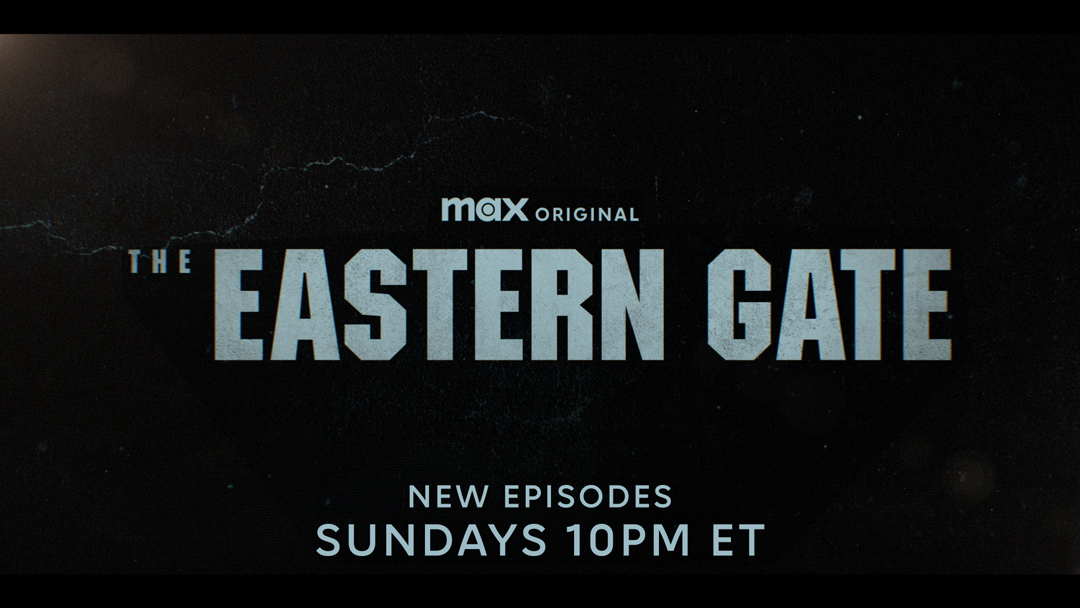
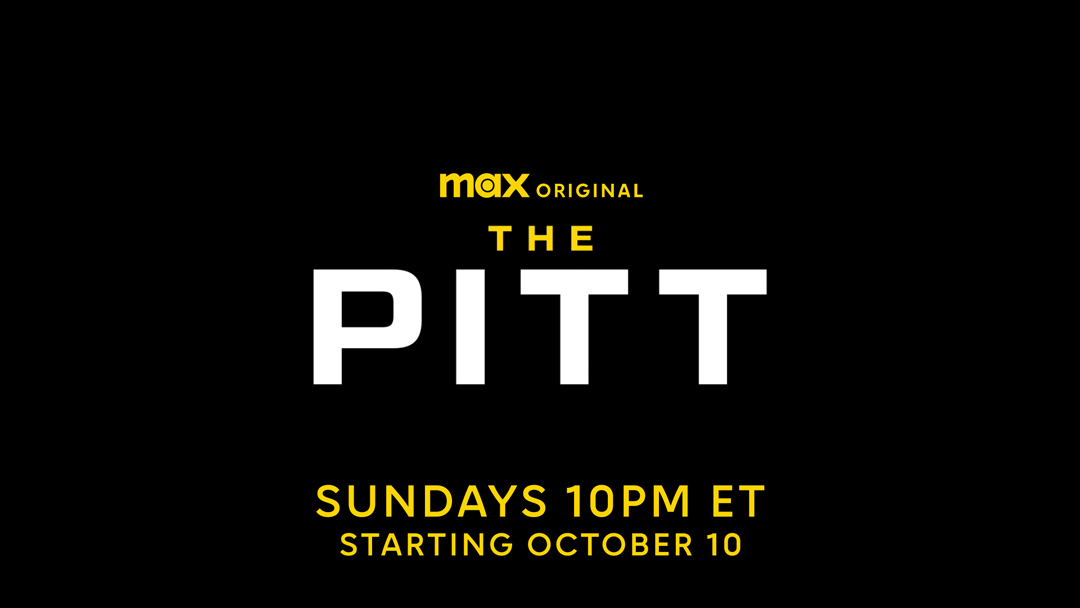
Harry Potter and the Philosopher's Stone

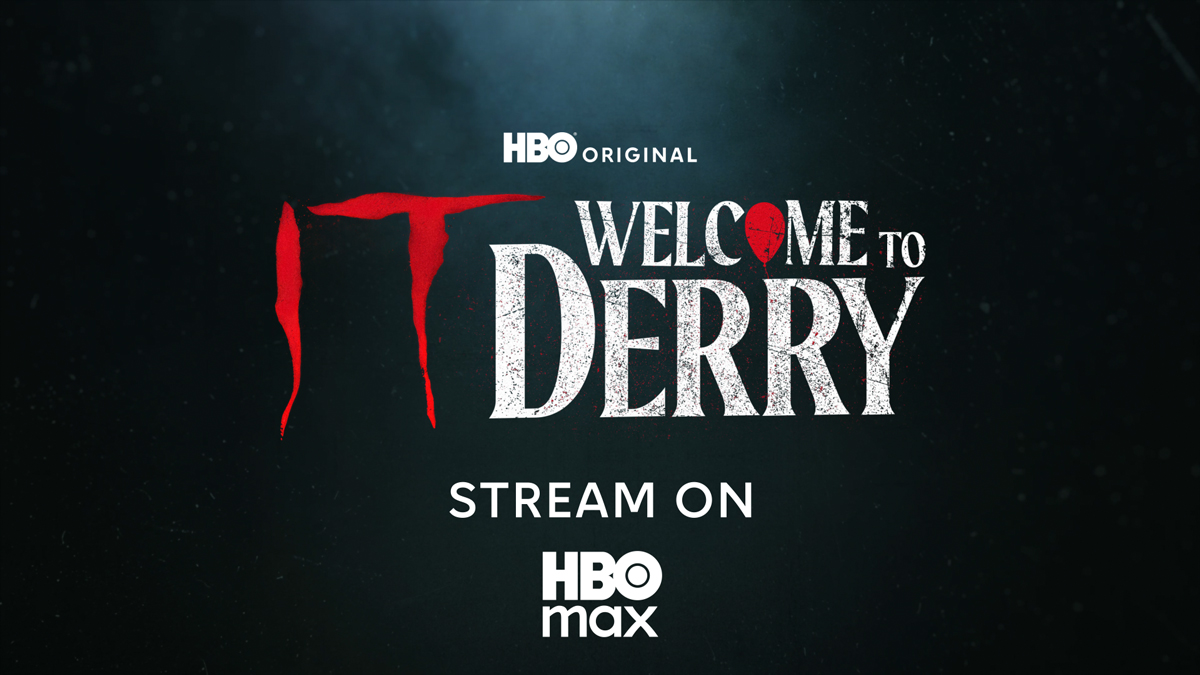
IT: Welcome to Derry
The Pitt

Rooster
Multi-Title
Multi-title text cards are used for multi-title brand promos and reels. Set in Max Sans and can be formatted as desired.
Transition
- To add a custom animation, select the "no push" option.
https://vimeo.com/1181994169/b8f53f669e?share=copy
A
Push-out over footage
https://vimeo.com/1181994173/76d5a79549?share=copy
B
Push-out over gradient
https://vimeo.com/1181994170/4e68200f7c?share=copy
C
Push-in over footage
https://vimeo.com/1181994171/03f255bcdd?share=copy
D
Push-in over gradient
Cut
- To add a custom animation, select the "no push" option.
https://vimeo.com/1181994189/795c225fab?share=copy
E
Push-out over footage
https://vimeo.com/1181994202/1188b844f4?share=copy
F
Push-out over gradient
https://vimeo.com/1181994199/6f7f41dad2?share=copy
G
Push-in over footage
https://vimeo.com/1181994201/b869a11660?share=copy
H
Push-in over gradient
- "H," "B," or "O" letterforms can be added to the background.
.jpg)
Letterform: H
.jpg)
Letterform: B
.jpg)
Letterform: O (center)
.jpg)
Letterform: O (below)
.jpg)
Logo Letterform: O (above)
.jpg)
Letterform: H
.jpg)
Letterform: B
.jpg)
Letterform: O (center)
.jpg)
Letterform: O (below)
.jpg)
Letterform: O (above)
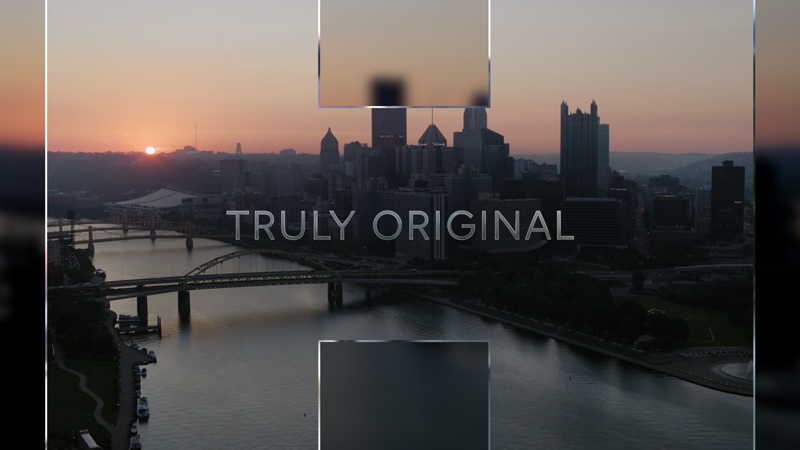
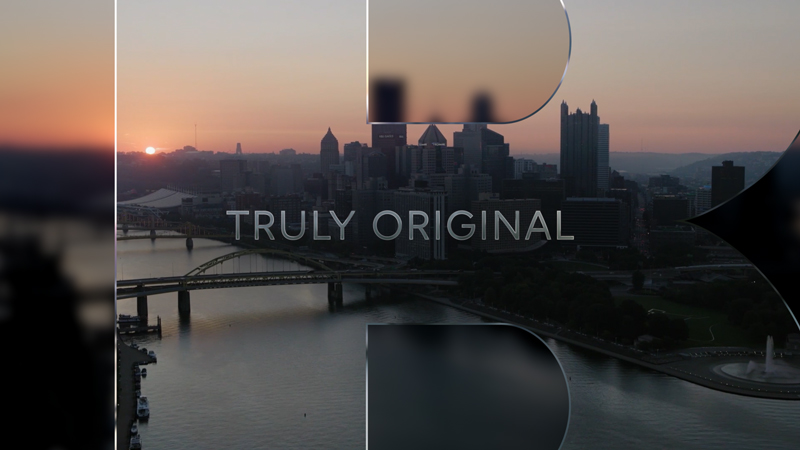
Letterform: H
Letterform: B
Letterform: O (center)
Letterform: O (below)
Letterform: O (above)
Lower Thirds
Left
Duration
- Variable
Options
- Title treatment [A] on a single title (preferred)
- Generic text [B, C] recommended on a multi-title
Color
- Title treatment: full-color (preferred) or mono color
- Attribution and tune-in: white (preferred) or black
.png)
A
Title treatment
.png)
B
Generic text: “Transparent” enabled
.png)
C
Generic text: “Reduce Scale of All Text” enabled
Usage
- For use in upper-funnel marketing.
- Not recommended for use on spots with captions, instead use upper thirds.
- Title treatments: this toolkit will add the attribution; use the title treatment version without the attribution.
- To make more prominent, enable "Darken Behind" toggle.
- To make less prominent, enable "Transparent" toggle [B] and/or for generic text option, enable "Reduce Scale of All Text" toggle [C].
- Can appear over text cards, but do not place over intros, title cards, or outros.
Centered
Duration
- Variable
Options
- Title treatment [A] on a single title (preferred)
- Generic text [B, C] recommended on a multi-title
Color
- Title treatment: full-color (preferred) or mono-color
- Attribution and tune-in: white (preferred) or black
.png)
A
Title treatment
.png)
.png)
B
Generic text – “Transparent” enabled
.png)
C
Generic text – “Reduce Scale of All Text” enabled
Usage
- For use in lower funnel marketing.
- Not recommended for use on spots with captions, instead use upper thirds.
- Title treatments: this toolkit will add attribution; use the title version without the attribution.
- To make more prominent, enable "Darken Behind" toggle.
- To make less prominent, enable "Transparent" toggle [B] and/or for generic text option, enable "Reduce Scale of All Text" toggle [C].
- Can appear over text cards, but do not place over intros, title cards, or outros.
Persistent Lower Thirds (partnerships)
Duration
- Variable
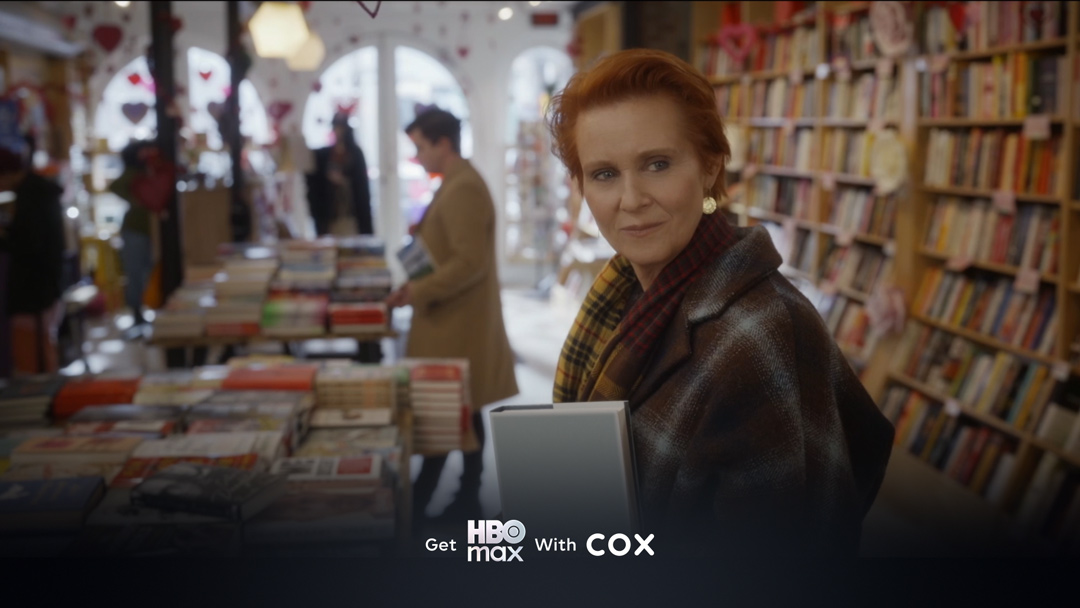
A
Cox
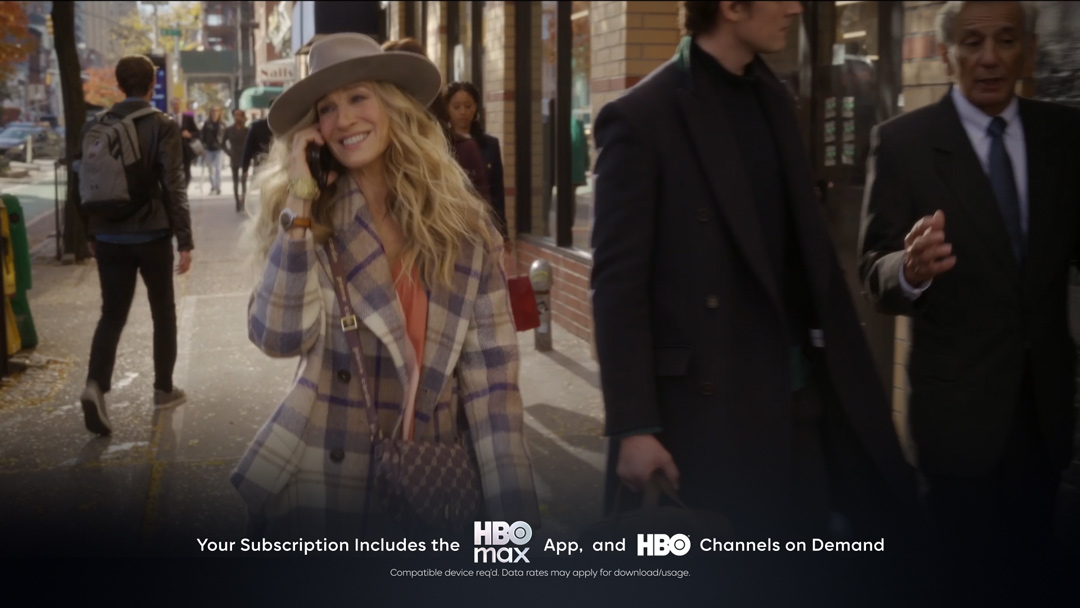
B
HBO
Usage
- For use in partnership promos only.
- Can appear over text cards, but do not place over intros, title cards, or outros.
- Scale the partner logo proportionally to the HBO Max logo. The partner logo should be in white mono-color when possible.
Upper Thirds
Duration
- Variable
Options
- Title treatment [A]
- Generic text [B, C]
- Bug [C], and bug with CTA
Color
- Title treatment: full color (preferred) or mono-color
- Attribution and tune-in: white (preferred) or black
_1.png)
A
Title treatment
.png)
B
Generic text: “Transparent” enabled
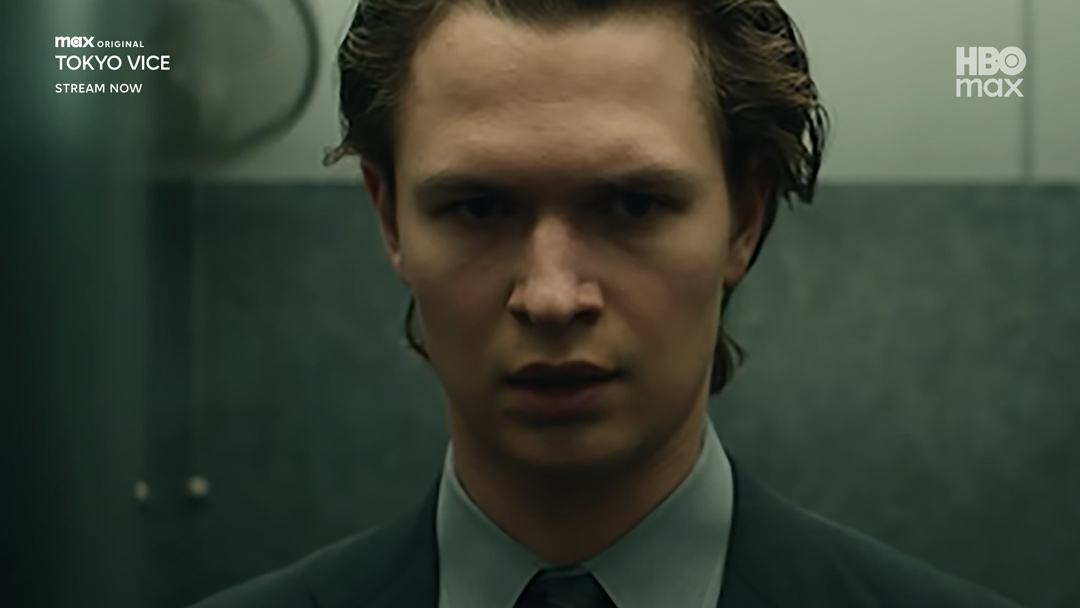
C
Generic text: “Reduce Scale of All Text” enabled & bug enabled
Usage
- Title treatments: This toolkit will add attribution; use the title treatment version without the attribution.
- To make more prominent, enable "Darken Behind" toggle.
- To make less prominent, enable "Transparent" toggle [B] and for generic text option, enable "Reduce Scale of All Text" toggle [C].
- Can appear over text cards, but do not place over intros, title cards, or outros.
- For tier 1 (T1) and tier 2 (T2) O&O, off-channel linear, and affiliate spots with TV rating bugs, the upper third should appear after the TV rating bug.
Transitions
Duration
- Variable
Styles
- Lens blur from graphic [A]
- Lens blur to graphic [B]
- Pan [C]
- Pan from graphic [D]
- Pan to graphic [E]
https://vimeo.com/1072551345/1025c5fbec?share=copy
A
Lens blur from graphic
https://vimeo.com/1072551357/66f81e116c?share=copy
B
Lens blur to graphic
https://vimeo.com/1073199590/15838737d3?share=copy
C
Pan
https://vimeo.com/1073199607/54d6d8dcaf?share=copy
D
Pan from graphic
https://vimeo.com/1073199622/f757583ac4?share=copy
E
Pan to graphic
Usage
- Use the pre-compositions in the AEP to add subtle movement/scale to the footage.
Bugs
Duration
- Variable
Options
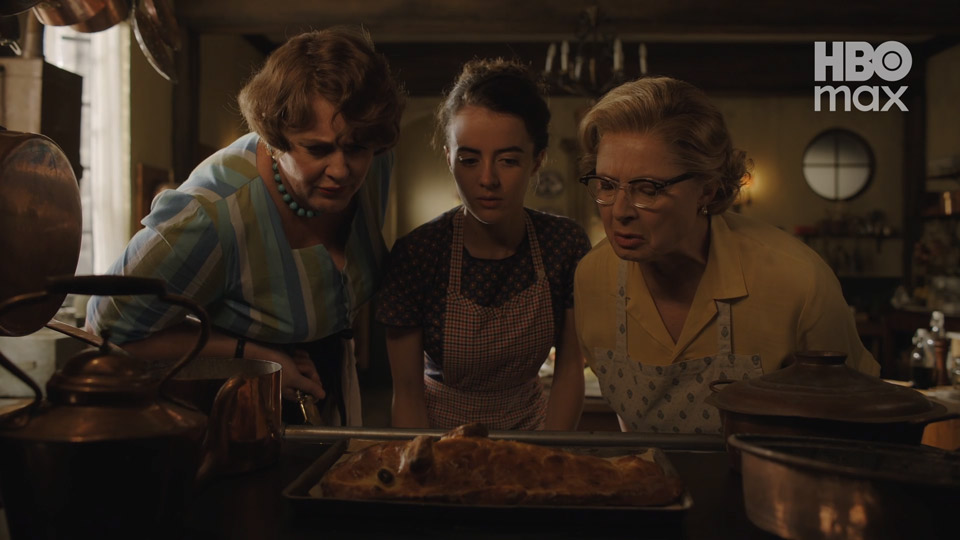
A
TV off-channel, O&O linear & TVE
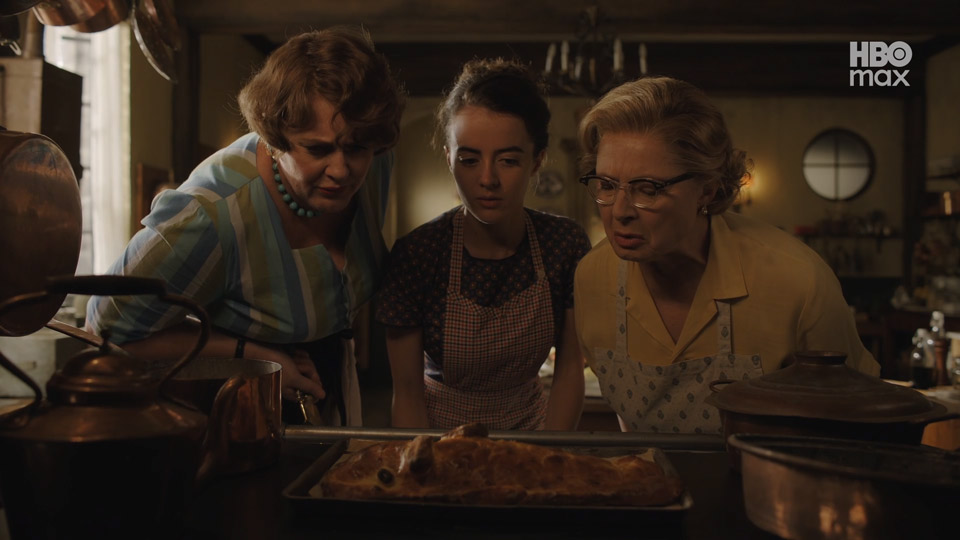
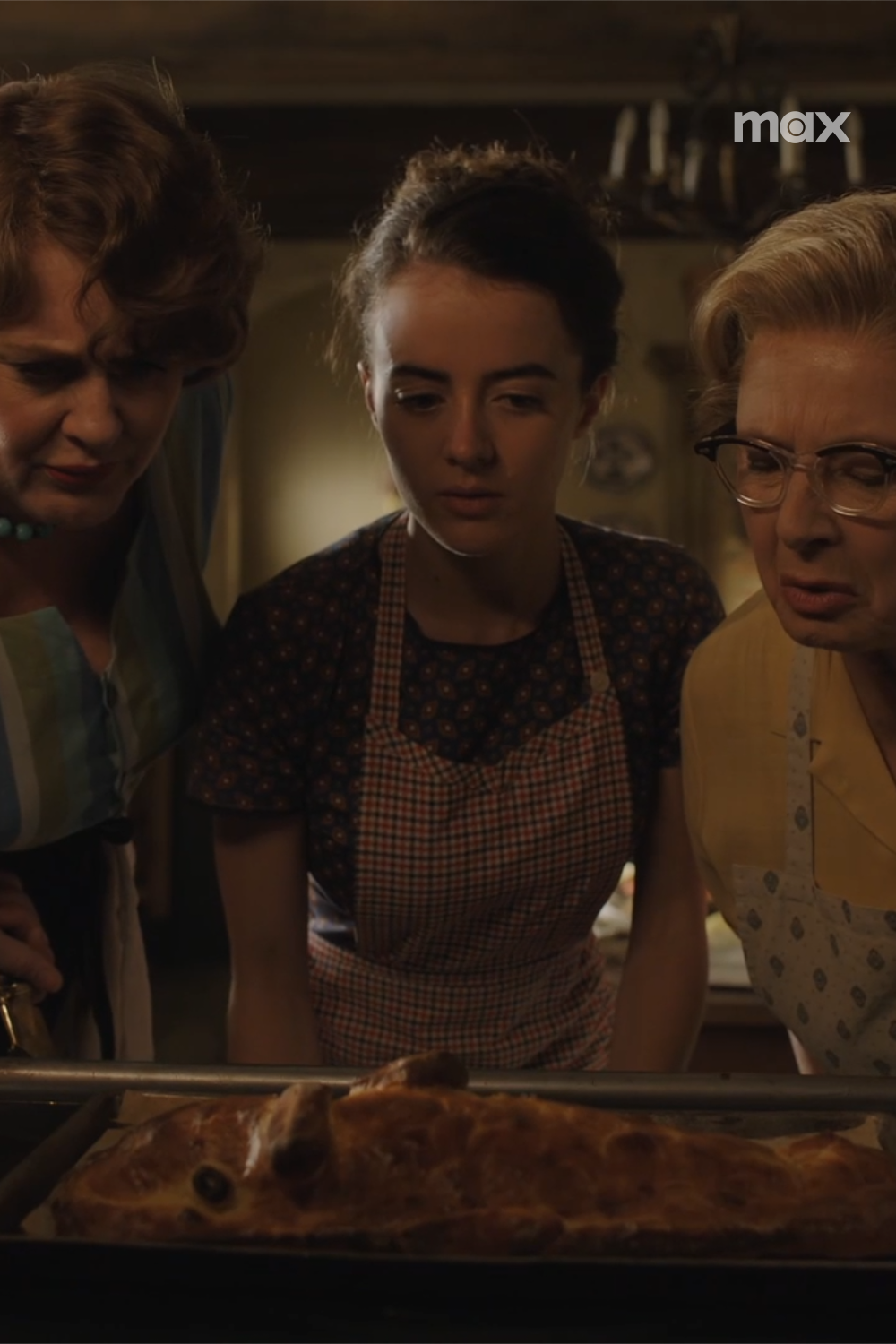
B
Digital, social & YouTube
Usage
- For increased brand prominence, an upper-right bug is recommended on all assets except pre-, mid-, and post-rolls.
- TV off-channel, O&O linear, and TV Everywhere (TVE): Use a larger bug [A].
- Digital, social, and YouTube: Use a smaller bug [B]. The smaller bug includes an option to add a CTA under it.
- The bug should appear on the first shot following the intro blur transition. Do not place the bug under the blur transition.
- Bugs can appear over text cards, but do not place them over intros [C], title cards [D], or outros [E].
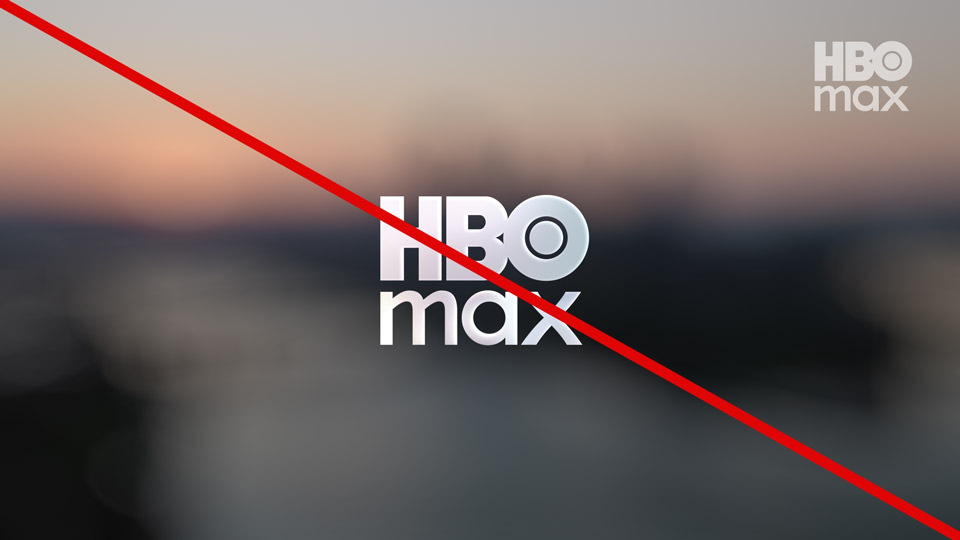
C
Intro
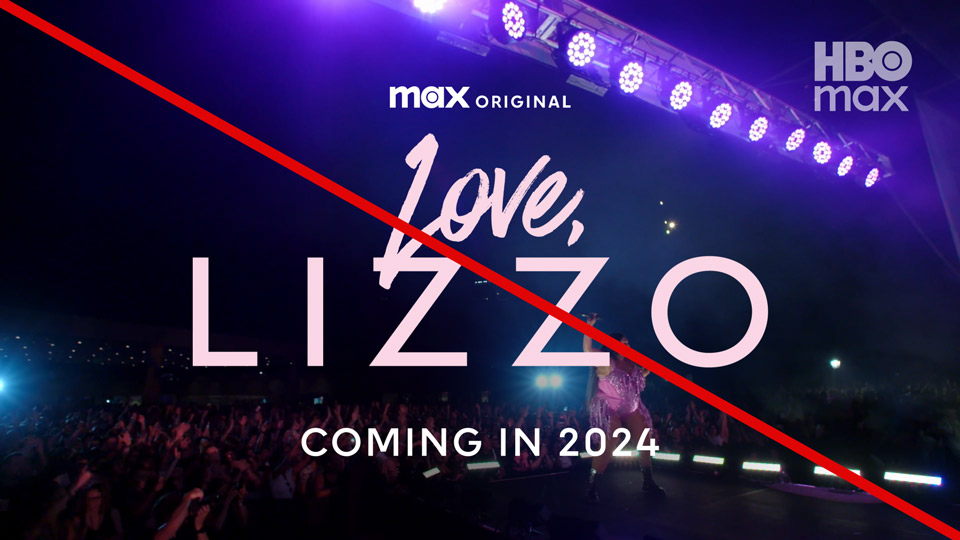
D
Title card

E
Outro
Rating Bugs
TV Rating Bugs
TV (U.S.) rating bugs are a stand-alone graphic asset and appear in the upper left corner [A]. They are used at the top of both single- and multi-title promos that run in TV placements (T1 O&O, T2 O&O, off-channel linear, and affiliate).
Duration
- For all TV placements: 3s at the beginning of the promo (except over full-frame graphics [B])
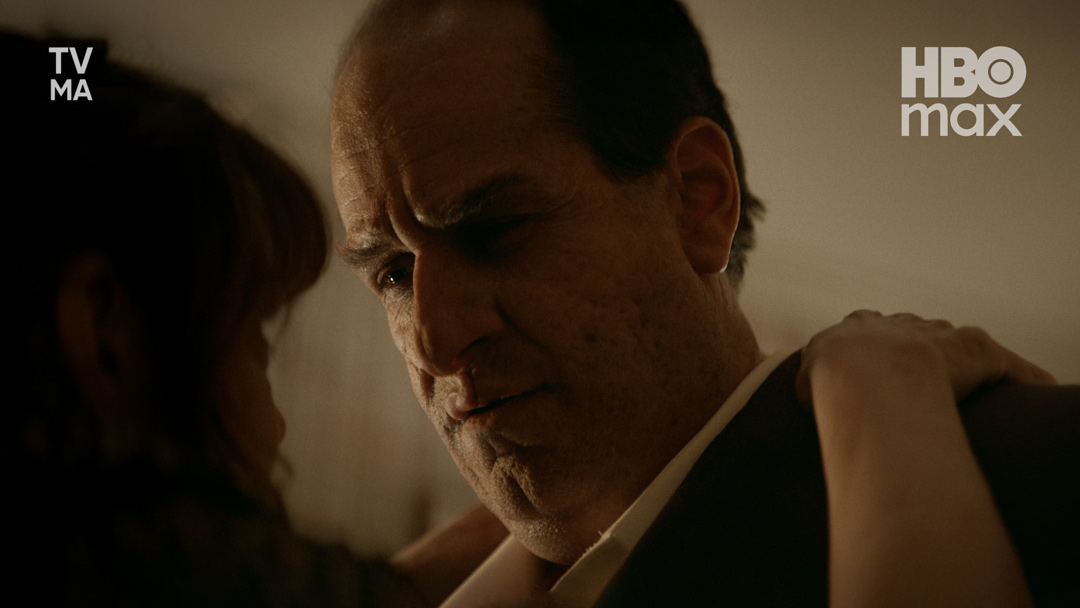
A
TV rating bug
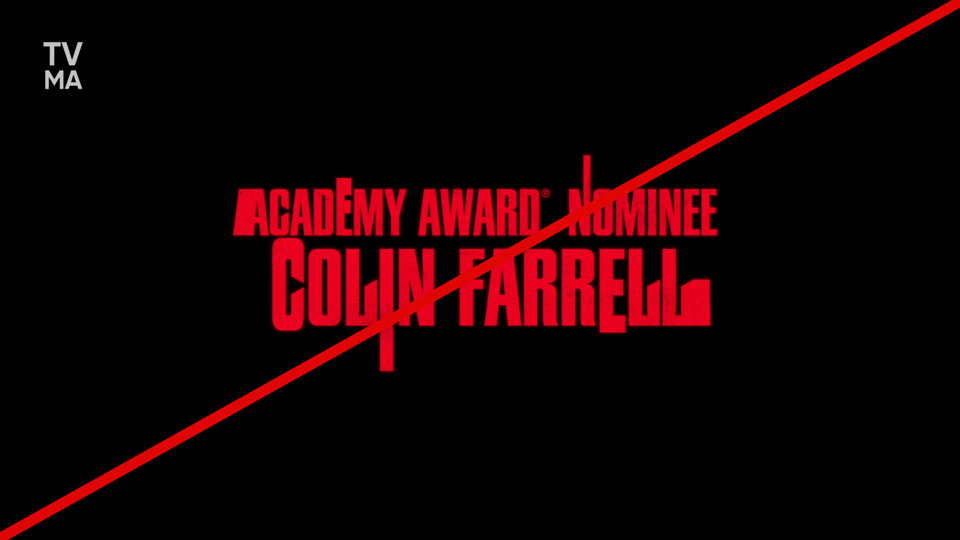
B
No rating bug over full-frame graphics
Usage
- Multi-title promos require only one TV rating bug: the highest (or most restrictive) of the featured content.
- Do not reposition or scale TV rating bugs.
- TV rating bugs should appear before the upper third.
- TV rating bugs can appear in the upper left corner at the same time as the HBO Max bug in the upper right corner.
Theatrical Rating Bugs & MPA Rating Blocks
Theatrical rating bugs and MPA rating blocks appear together on both single- and multi-title theatrical promos that run in TV placements (T1 O&O, T2 O&O, off-channel linear, and affiliate). Theatrical bugs are stand-alone graphic assets positioned in the upper left corner [A]. MPA rating blocks are integrated into title cards in the lower right corner [B].
Duration of Theatrical Rating Bug
- For all TV placements: 3s at the beginning of the promo (except over full-frame graphics)
Duration of MPA Rating Block
- Full duration of the title card
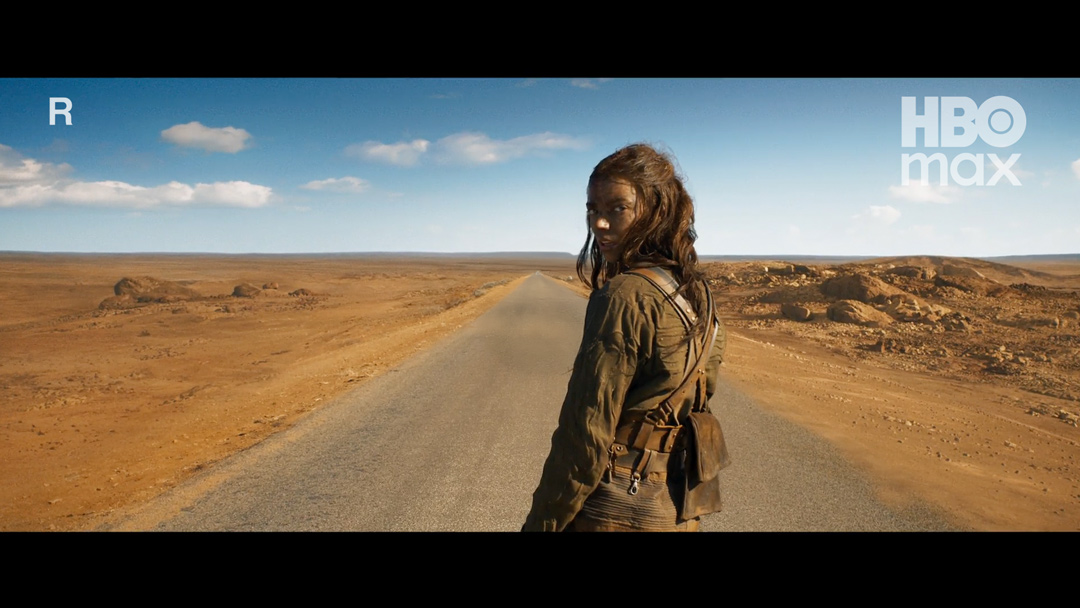
A
Theatrical rating bug
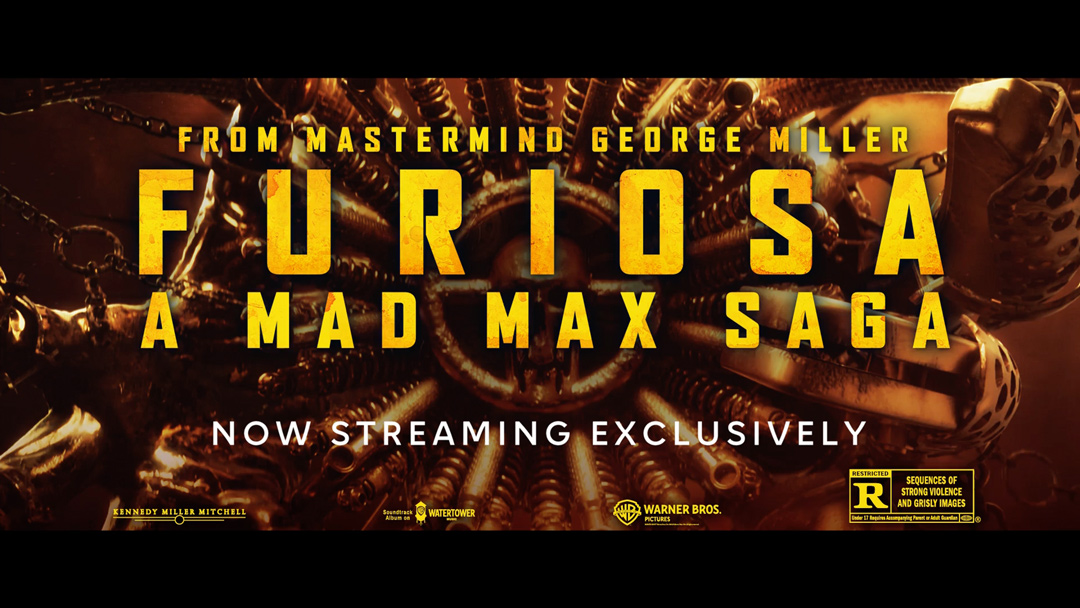
B
MPA rating block
Usage
- Single-title Pay-1 theatrical promos only.
- Multi-title theatrical promos use the highest (or most restrictive) applicable theatrical rating bug.
- Multi-title promos, which feature both TV and theatrical content, use the highest applicable TV rating bug.
- Theatrical rating bugs (in the upper left corner) and MPA ratings blocks (in the lower right corner of the title card) should be used only on TV placements.
- Do not use theatrical rating bugs or MPA ratings blocks on all other placements (social, programmatic, digital, and YouTube).
- Custom theatrical and MPA rating blocks with information specific to a movie can be added through the “Custom” option in Essential Graphics. These blocks can be scaled and in color as needed. MPA ratings blocks are provided by the theatrical studio (e.g., Warner Bros., A24).
- Do not add theatrical rating bugs and MPA rating blocks to outros [C].
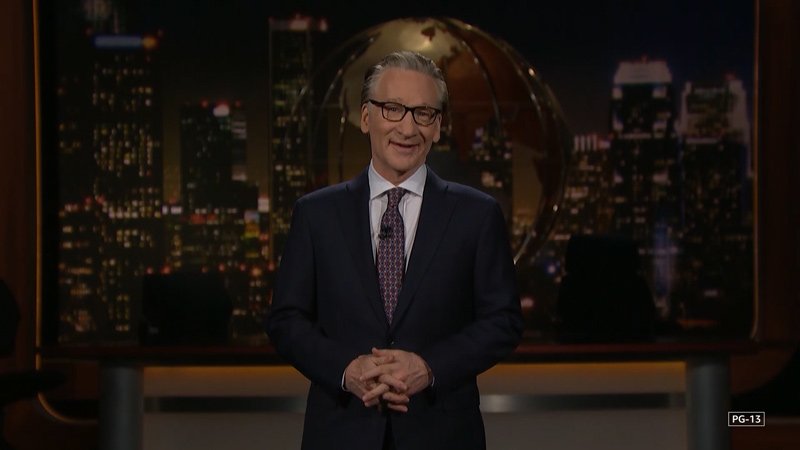
C
No rating bug or block on outro
Amazon Rating Bugs
Amazon rating bugs can be stand-alone graphic assets [A] or integrated into title cards [B] in the lower right corner.
Duration
- Single-title promos: full duration of the title card
- Multi-title promos: up to 3s over the show footage the rating applies to
A
Amazon rating bug stand-alone graphic
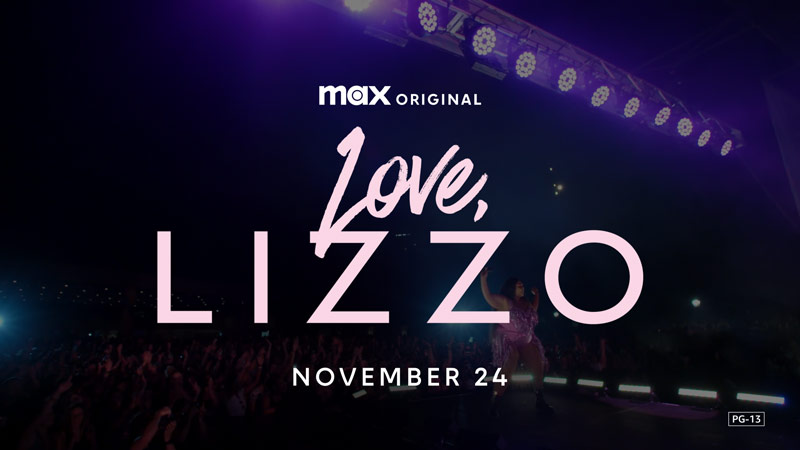
B
Amazon rating bug on title card
Usage
- Single-title promos: Use Essential GFX to add to the title card.
- Multi-title promos: Use stand-alone asset and overlay over footage.
- Do not add Amazon rating bugs to outros [C].

C
No rating bug on outro
Watermark
Watermarks appear in the lower right corner of the screen [A]. They are primarily used on sponsored videos to indicate that the content is an ad.
Duration
- Variable
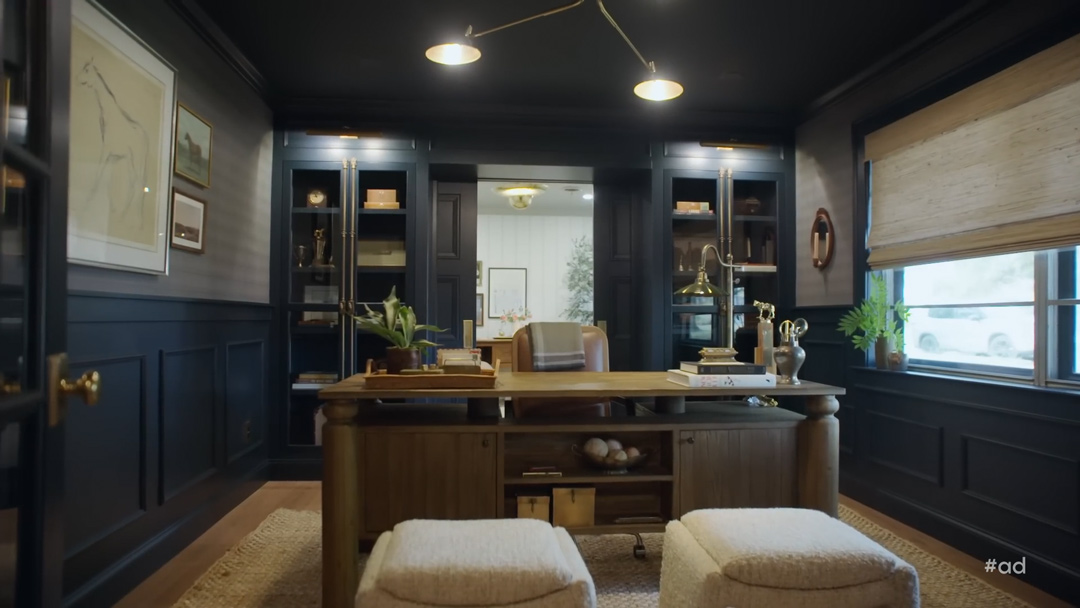
A
Watermark
Usage
- Do not reposition or scale.
- Watermarks can appear over text cards, but do not place them over intros [B], title cards [C], and outros [D].
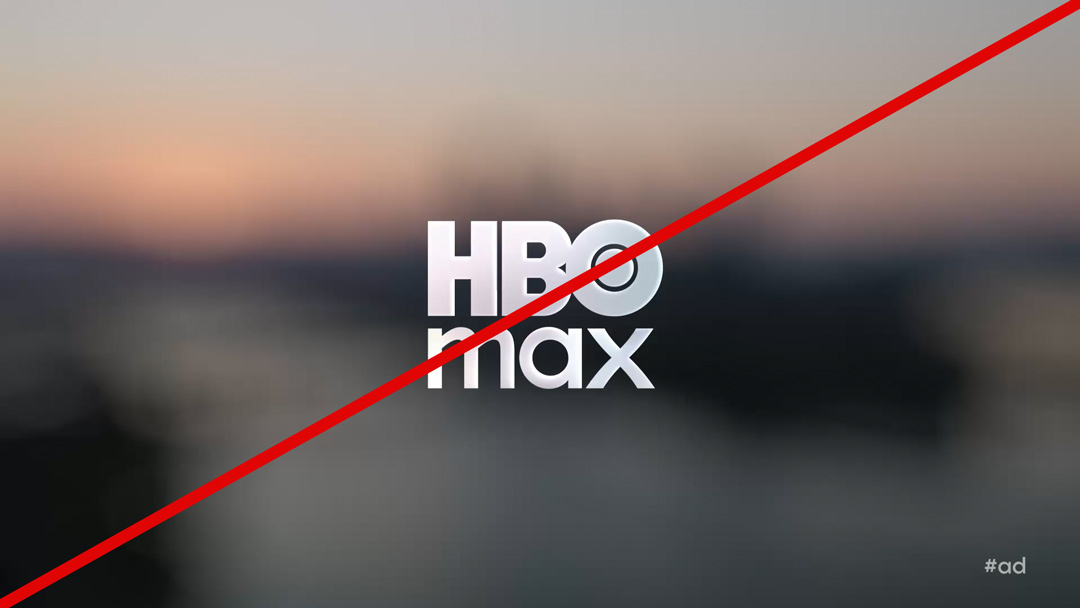
B
Intro
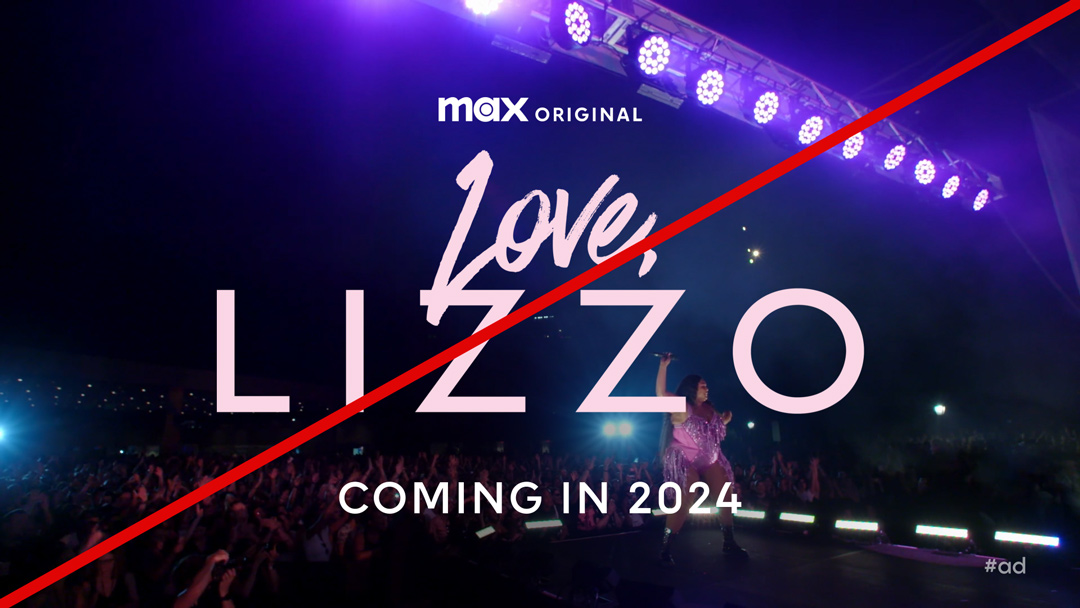
C
Title card
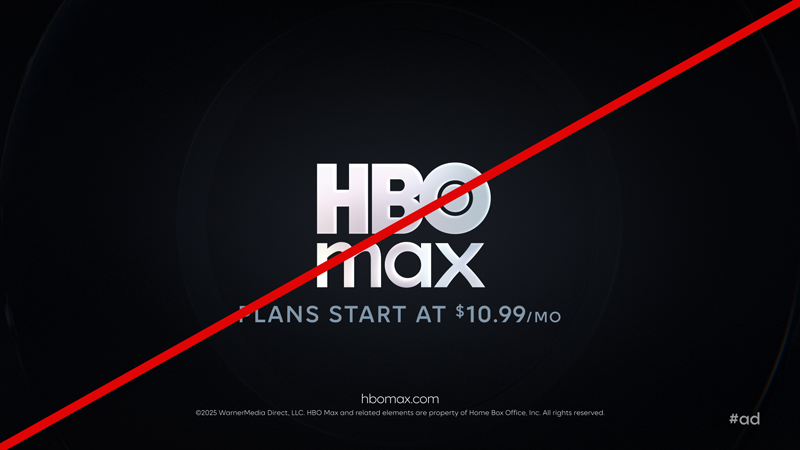
D
Outro
Captions
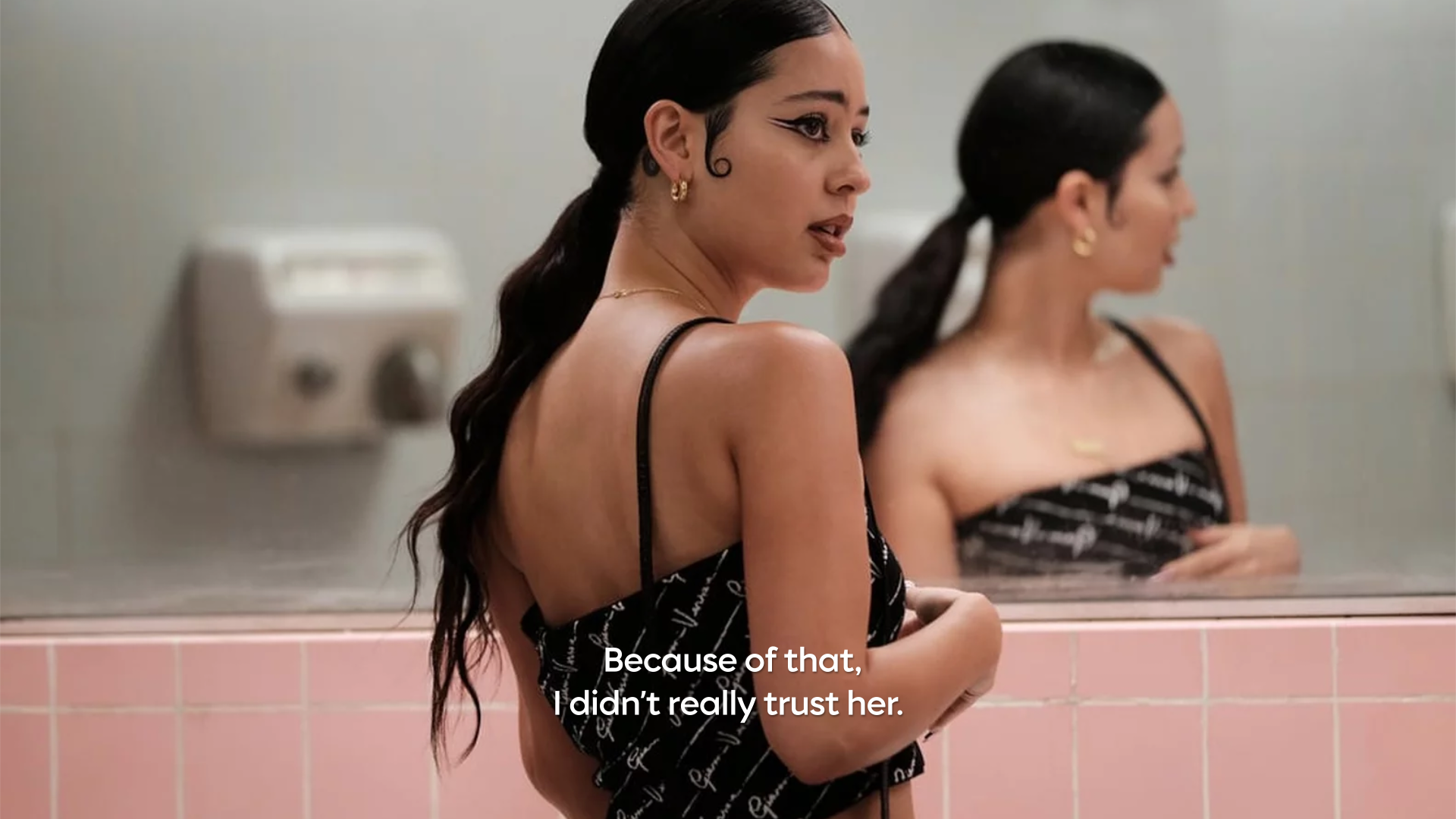
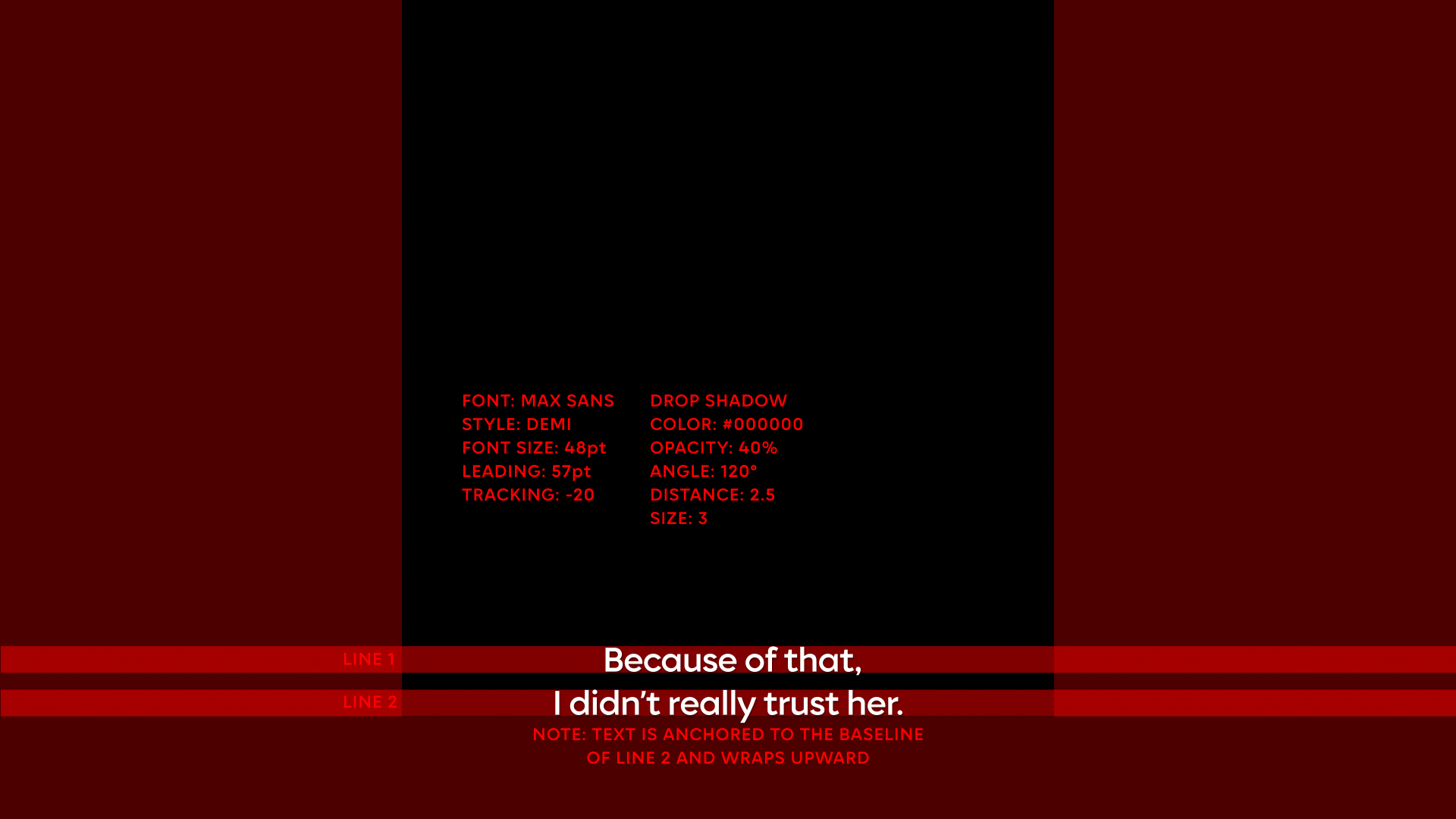
Bumpers
Standard & AVOD
Standard bumpers generally use the primary key art. Depending on the composition of the key art, the title treatment lockup can be left [A], center [B], or right aligned [C]. AVOD bumpers feature the HBO Max logo.
Durations
- Standard: 6s
- AVOD: 8s
A
Left-aligned title treatment
B
Center-aligned title treatment
C
Right-aligned title treatment
Podcast
Podcast bumpers generally use the podcast key art. Depending on the composition of the key art, the title treatment lockup can be left [A], center [B], or right aligned [C].
Duration
- 7s
A
Left-aligned title art
B
Center-aligned title art
C
Right-aligned title art
In Memoriam
In Memoriam bumpers generally use generic text (in Max Sans). Depending on the composition of the image, the text lockup can be left [A], center [B], or right aligned [C].
Duration
- 8s
A
Left-aligned title art
B
Center-aligned title art
C
Right-aligned title art
Text
Text bumpers use generic text (in Max Sans), set in sentence case and center aligned.
Durations
- 5s, 6s, 8s, or 10s
HBO Max On Hulu
End Sequence
HBO Max on Hulu Downloads
The HBO Max on Hulu promo requires a custom three-stage end sequence: title card > tune-in > HBO Max on Hulu outro
Minimum Duration
- 5s
https://vimeo.com/1105817255/c33f7e4d84?share=copy
A
HBO Max on Hulu end sequence
Color
- Title treatment: Use full color (preferred) or mono color.
- Attribution and tune-in:
- Max Original and HBO Original: Certain titles can use a custom color or texture chosen for the campaign. All other titles use pure white.
- Max Original | Magnolia Network uses pure white.
Usage
- Each asset in the HBO Max on Hulu end sequence can be easily extended in duration as needed.
- The preference is to use a single clip of footage or a graphic behind both the title card and tune-in [A].
Concurrent Promos
on-Air
Concurrent Super
Concurrent is a network promo that features both the network tune-in and the HBO Max call-to-action (CTA).
Concurrent super is a HBO Max logo and CTA lockup added to network end boards to create a consistent messaging system across all the different brand channels.
Duration
- 1s minimum
CTA
- STREAM ON [A, B]
- NEXT DAY ON
Voice-Over
- Added to concurrent promos 30s and over.
- Script: “...and stream on HBO Max/stream next day on HBO Max.”
- Example: “Supermarket Stakeout tonight at nine on Food Network and stream on HBO Max/stream next day on HBO Max.”
Legal
- A legal disclaimer [A, B], included in the toolkit, should always be added.
A
Single-stage Food Network end board (clip from 15s promo)
B
Multi-stage OWN end board (clip from 30s promo)
Usage
- The concurrent super can be:
- Positioned anywhere on the single-stage [A] or multi-stage [B] network outro. To create a visual hierarchy that mirrors the voice-over, place it below or after the network logo.
- Positioned independently from the legal disclaimer.
- Animated (preferred) or static.
- The concurrent super cannot be:
- Recolored or textured.
- Reanimated (exception: HBO).
- Color: white and black only
Concurrent Super 50-50
Concurrent is a network promo that features both the network tune-in and the HBO Max call-to-action (CTA).
Concurrent super 50-50 is a network logo and a HBO Max logo and CTA lockup that appears side-by-side on a network outro. This is the secondary option to be used when vertical space is limited.
Duration
- 1s minimum
cta
- STREAM ON [A, B]
- NEXT DAY ON
Voice-Over
- Added to concurrent promos 30s and over.
- Script: “...and stream on HBO Max/stream next day on HBO Max.”
- Example: “Supermarket Stakeout tonight at nine on Food Network and stream on HBO Max/stream next day on HBO Max.”
Legal
- A legal disclaimer [A, B], included in the toolkit, should always be added.
A
Single-stage TLC outro (clip from 15s promo)
B
Multi-stage Food Network end board (clip from 30s promo)
Usage
- The concurrent super 50-50 lockup can be:
- Positioned in equal prominence to the network logo with the divider on the single-stage [A] and multi-stage [B] network outro.
- Positioned independently from the legal disclaimer.
- Animated (preferred) [B] or static [A].
- The concurrent super 50-50 cannot be:
- Recolored or textured.
- Reanimated (exception: HBO).
- Color: white and black only
Concurrent Super Multi-Platform
Concurrent is a network promo that features both the network tune-in and the HBO Max call-to-action (CTA).
Concurrent super multi-platform is a discovery+ logo, HBO Max logo, and CTA lockup added to network end boards to create a consistent messaging system across all the different brand channels.
Duration
- 1s minimum
cta
- STREAM ON [A]
- NEXT DAY ON
Voice-Over
- Added to concurrent promos 30s and over.
- Script: “...and stream on discovery+ and HBO Max/stream next day on discovery+ and HBO Max.”
- Example: “Chopped Legends. Tuesday September third at eight on Food Network. Stream on discovery+ and HBO Max./Stream next day on discovery+ and HBO Max.”
Legal
- A legal disclaimer, included in the toolkit, should always be added.
A
Single-stage Food Network outro (clip from 15s promo)
B
Multi-stage Food Network end board (clip from 30s promo)
Usage
- The concurrent super multi-platform lockup can be:
- Positioned anywhere on the single-stage [A] or multi-stage [B] network outro. To create a visual hierarchy that mirrors the voice-over, place it below or after the network logo.
- Positioned independently from the legal disclaimer.
- Animated (preferred) or static.
- The concurrent super multi-platform lockup cannot be:
- Recolored or textured.
- Reanimated (exception: HBO).
- Color: white (including full-color discovery+ logo with white word mark) or black (including full-color discovery+ logo with black word mark).
In-App & Off-Platform
In-App Concurrent
Duration
- Title Card: variable
- Outro: 2s minimum (+ transition)
An in-app concurrent is a network promo that is repackaged as an HBO Max in-app promo. Please remove network logos and linear tune-ins, and follow guidance below. Only 16:9 versions required.
Tune-In
Add the tune-in to the title card using the HBO Max motion toolkit or guides provided. The tune-in appears at a fixed scale and vertical height, but it can be repositioned horizontally to align with the title treatment. The tune-in always appears under the title treatment. Spell out months and days of the week in all caps.
Copy will depend on flighting and show rollout.
Examples:
- Date (SEPTEMBER 25)
- Day and time (TUESDAY 8PM ET)
- Weekly: day and time (TUESDAYS 8PM ET)
- Post-launch (NOW STREAMING)
Voice-Over
In-app concurrents, including trailers, pre-rolls, mid-rolls, and post–rolls, should not have any voice-overs that feature show titles, tune-ins, or any variation of "Streaming on HBO Max."
Title Card
- Must include one of the above tune-ins.
- Acceptable to reuse the same title card that was used for the linear promo as long as the network logo and HBO Max logo are removed [A].
- Alternatively, use the HBO Max toolkit to create the title card. Please see the Title Cards section in the Motion Guidelines.
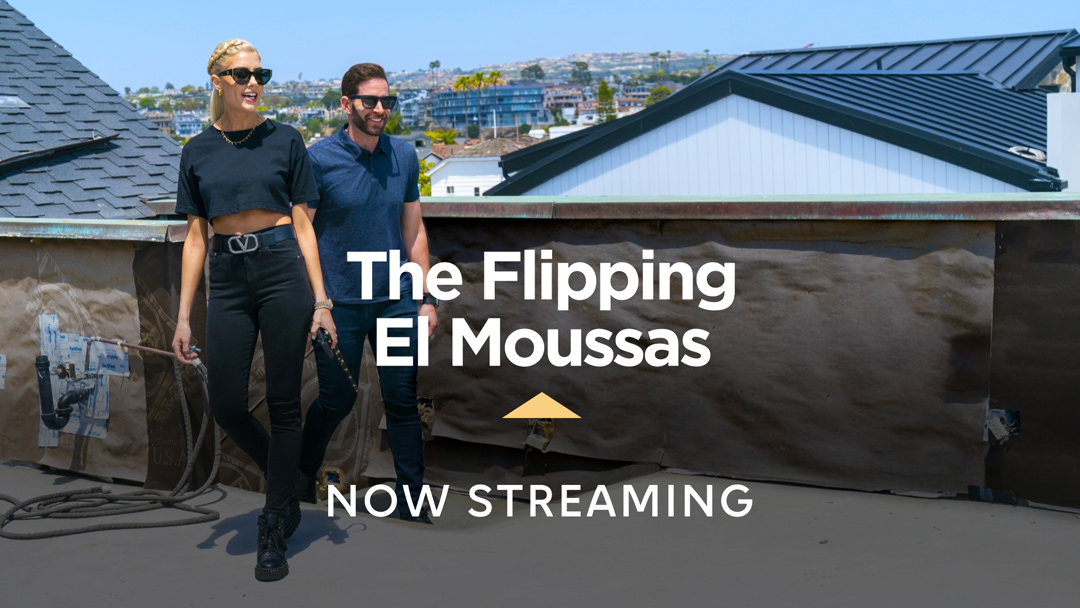
A
Network title card with HBO Max formatted tune-in
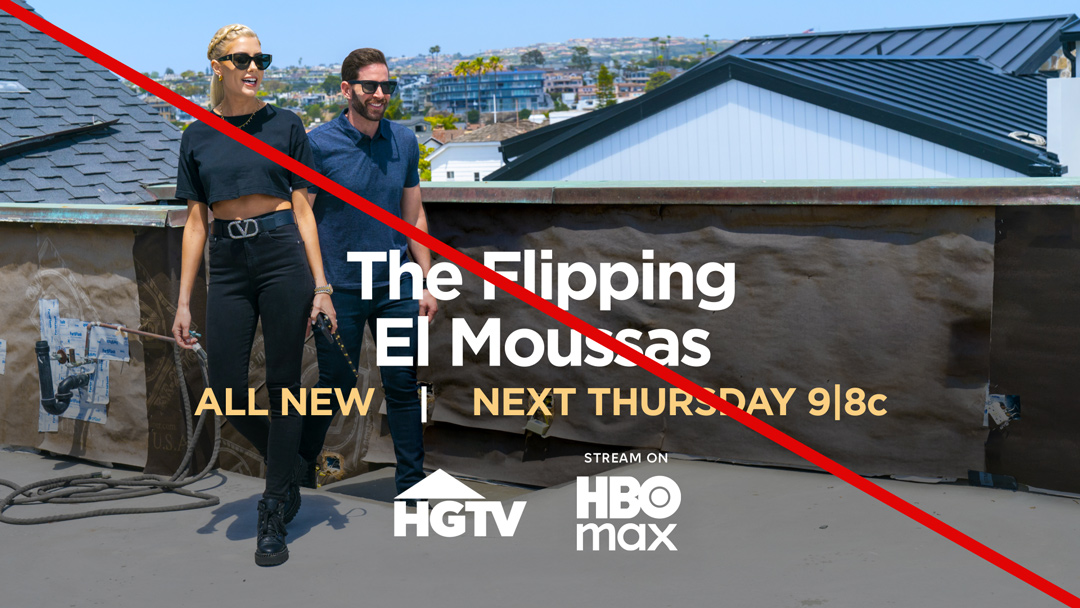
B
Network title card with network formatted tune-in & on-air concurrent super 50-50
Outro
- No URL, disclaimers, or legal lines.
- Transition outro [C] is preferred and includes a short transition between the title card and outro.
https://vimeo.com/1127602340/876c9884d2?share=copy
C
Trailer or pre-roll with transition outro
Off-Platform Concurrent
Off-platform concurrent refers to social, paid, and dotcom promos that are in front of the paywall.
Duration
- 1s minimum
Outro
- Must have the URL, legal line, and price.
- Transition outro [D] is preferred and includes a short transition between the title card and outro.
https://vimeo.com/1127608807/81c29eb047?share=copy
D
Off-platform concurrent with transition outro
Max original mnemonic
Duration
- 4s
Resolution
- HD
Frame Ratios
- 23.98fps, 25fps, 29.97fps
Aspect Ratios
- 1.78 (if additional aspect ratios are needed, please crop accordingly)
Audio
- Stereo, 5.1
Usage
- The Max Original mnemonic is a stand-alone sonic branding element used as content pre-roll on the streaming service.
Versioning
- The Max Original mnemonic is not part of the motion toolkit. It is available in various specs, per use case.
- For additional requests, please reach out to: HBOMax_Brand_Team@wbd.com.
